MyTeslaCloud
Your private Tesla data foundation — complete, independent, and yours for life
With that foundation in place, apps like Mytess and TeslaButler plug straight in — and your Tesla keeps gaining new abilities
Car screen mode
Typing a URL on the Tesla screen's keyboard is a pain. Generate a pairing code and push a link over from your phone instead.
EV Engine Sound
Add an engine note that follows your speed: V8, V12, turbo or futuristic EV. Runs right in the car browser, no sign-in.
Open Engine SoundHundreds of Tesla Metrics,
One Platform
Overview · Trips · Charging · Parking · Analytics — all modules included
Battery Monitoring
Track battery degradation in real time, plan charging scientifically, and stay on top of every detail.
Trip History
Lifetime data recording, high-precision driving tracks, and automatic address lookup. Boost resale value and reconstruct accidents.
Charge Analytics
Log every charge session in detail, analyze efficiency, and find your optimal charging strategy.
Trip Reports
Driving stats at a glance — distance, energy consumption, and idle drain (Sentry / Camp / Park mode) fully covered.
iOS Widgets
More powerful than Tesla's native iOS widgets — supports static, dynamic, and interactive forms via Scriptable.
AI Analytics
Export chart data and upload to DeepSeek, Grok, or ChatGPT with dedicated prompts for personalized driving insights.
Accessible on any device, including the Tesla in-car screen, mobile browser, and desktop
Service Overview
MyTeslaCloud is more than a data recorder — it's your Tesla's intelligent companion, spanning widgets, dashboards, apps, and AI
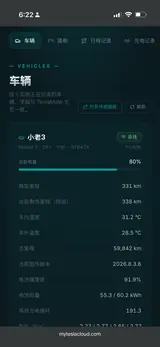
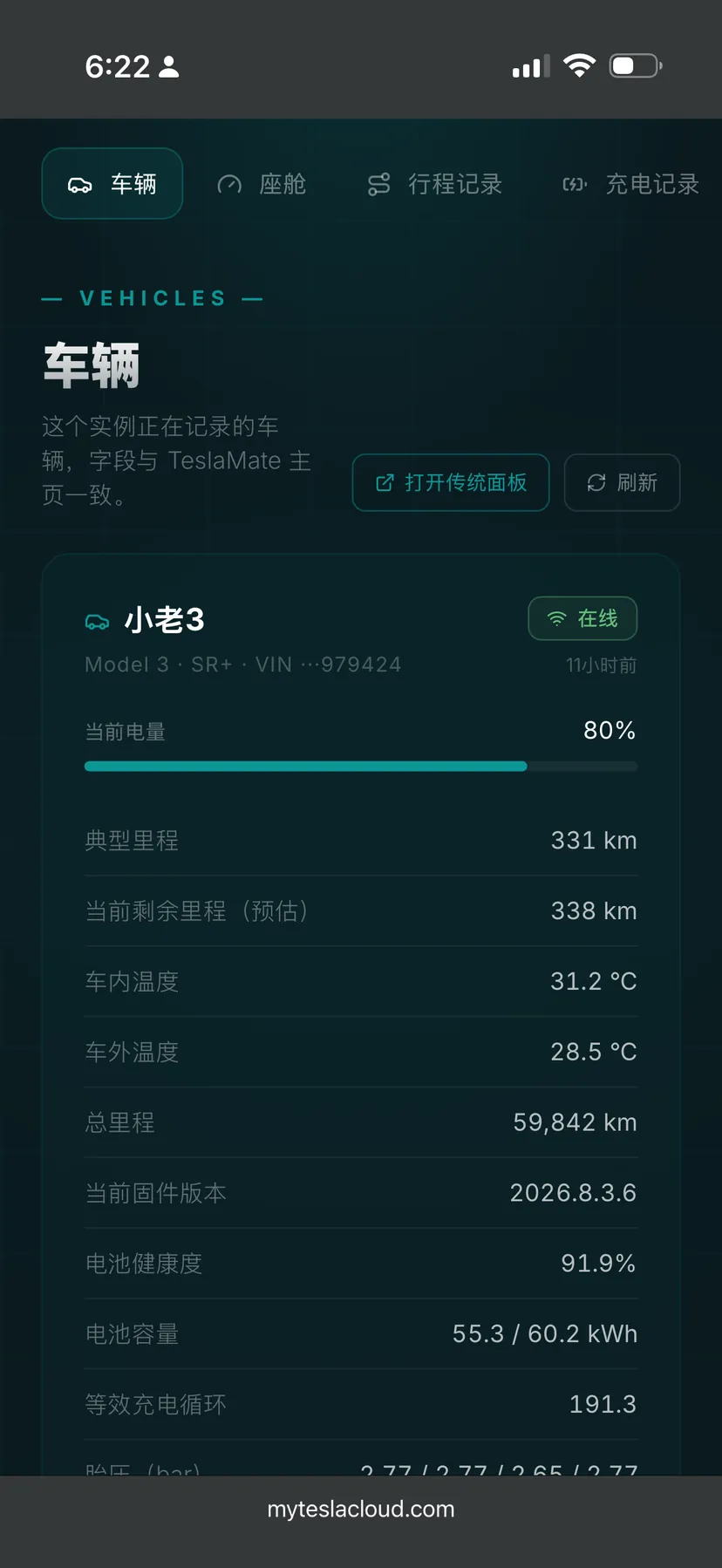
Modern
UI Dashboard
A cleaner, lighter, and more usable UI dashboard — eight core modules covering Vehicles, Cockpit, Drives, Trip Map, Charging, Statistics, Trends, and Dashboards. This is exactly how it looks in a phone browser.
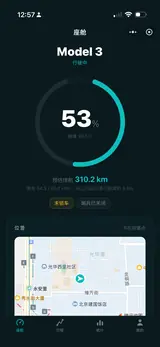
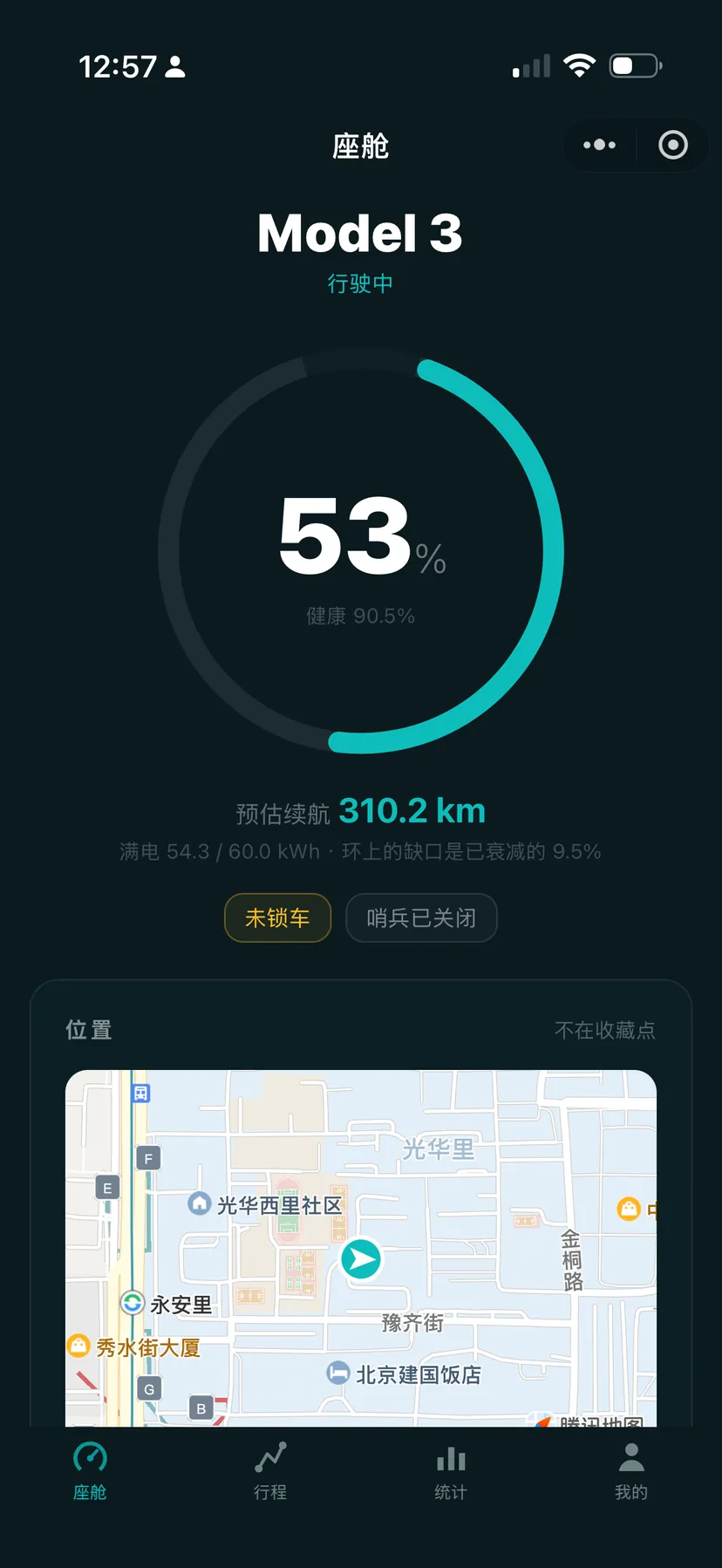
Native WeChat
Mini Program
No URL to remember, no app to install — just scan in WeChat. Cockpit, drives, statistics and vehicle history rebuilt as a native mini program: fast to open, smooth to scroll, and silent sign-in once your email is linked.
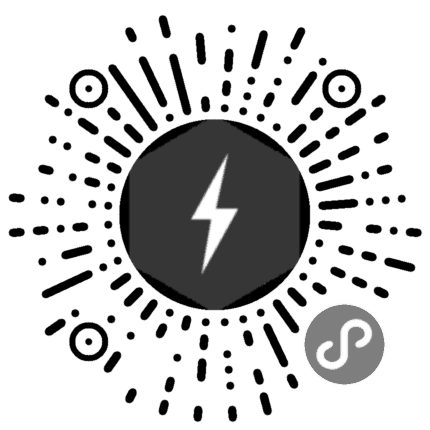
Try demo mode without a subscription, then sign in to see your own car.
Long-press or scan with WeChatiOS App Ecosystem
Two independent iOS apps deeply integrated with MyTeslaCloud — put your data at your fingertips
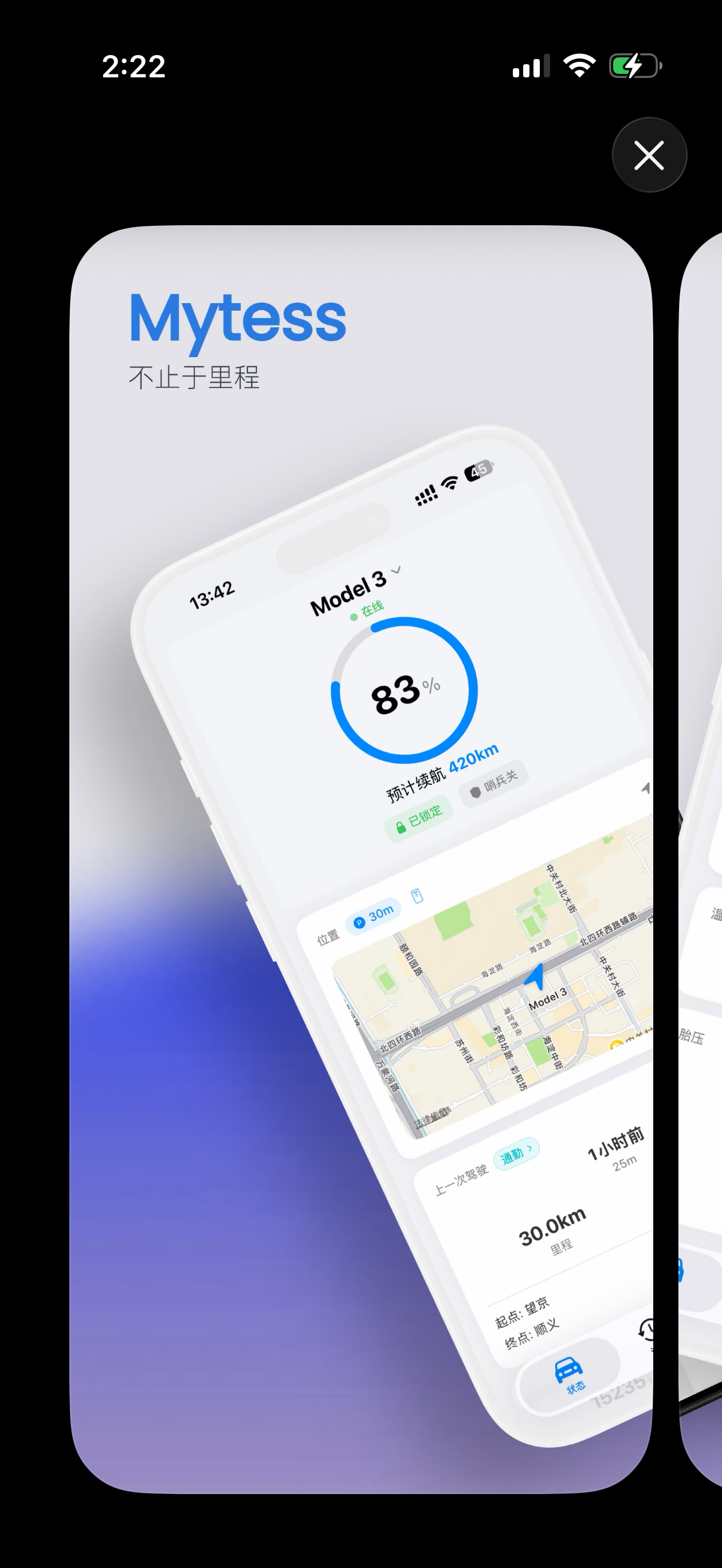
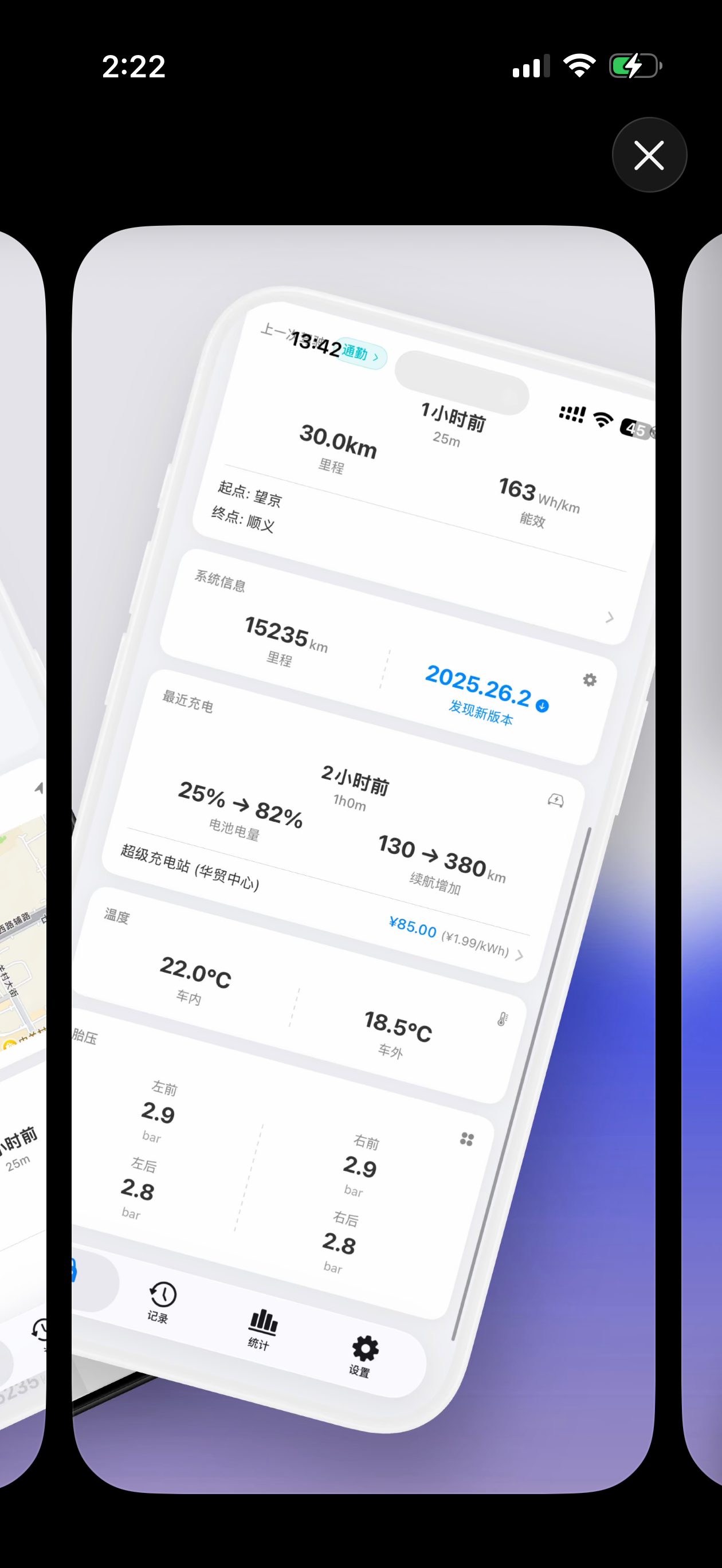
Mytess
An iOS data front-end by an indie developer, with deep Dynamic Island and Live Activity support — monitor charging and navigation at a glance.

One column folded, two when open
Mytess 3.2 is built for iPhone Duo — folded, status and logs stack in one column; unfolded, everything splits into two
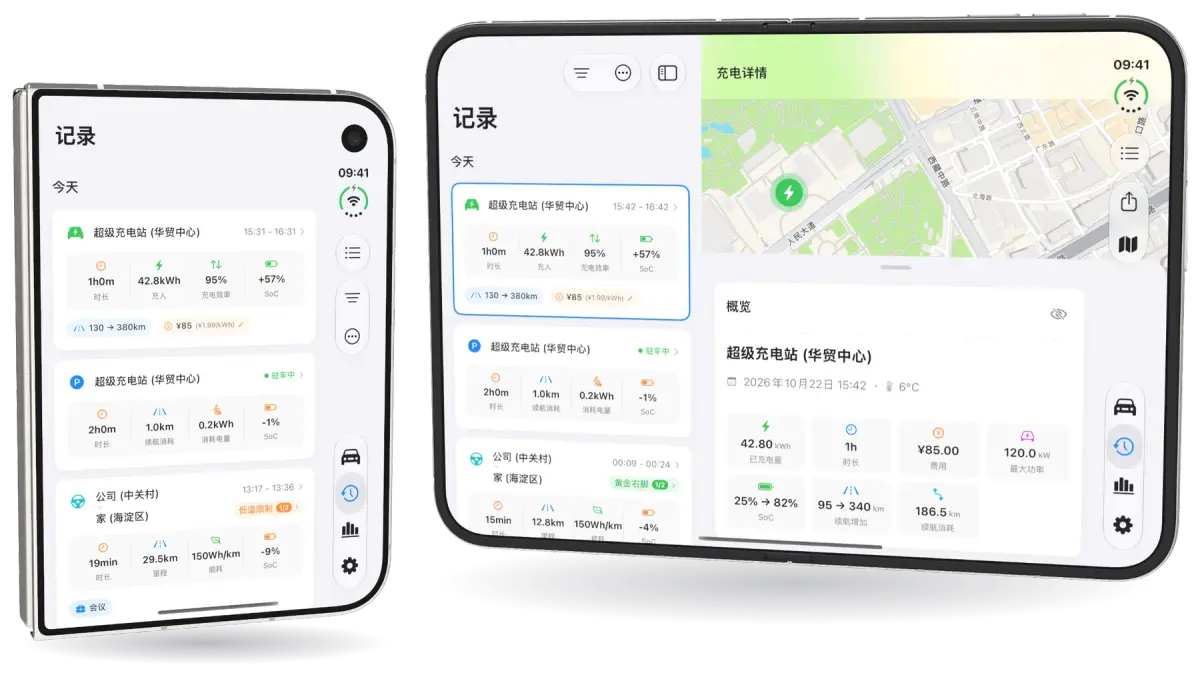
Folded · Unfolded (simulator screenshots composited, demo data)
Unfolded, the car card sits beside the map, and Logs, Stats and Settings show the list on one side and details on the other. Fold it like a book and content splits across two pages, clear of the crease.
Stand it on the desk like a tent and the outer screen becomes a status board: battery and time-to-full while charging, ETA and distance left while navigating, battery, range, lock and Sentry while parked.
Half-folded on a table: the upright half shows big, glanceable numbers; the flat half holds the power curve, details and controls within reach.
iPhone Duo support is built by Mytess. MyTeslaCloud is not affiliated with it. iPad gets the wide layout too.
TeslaButler
An iOS companion app focused on widgets and notifications — 4 dedicated widget sets, smart anomaly alerts, and one-tap trip & charge history.

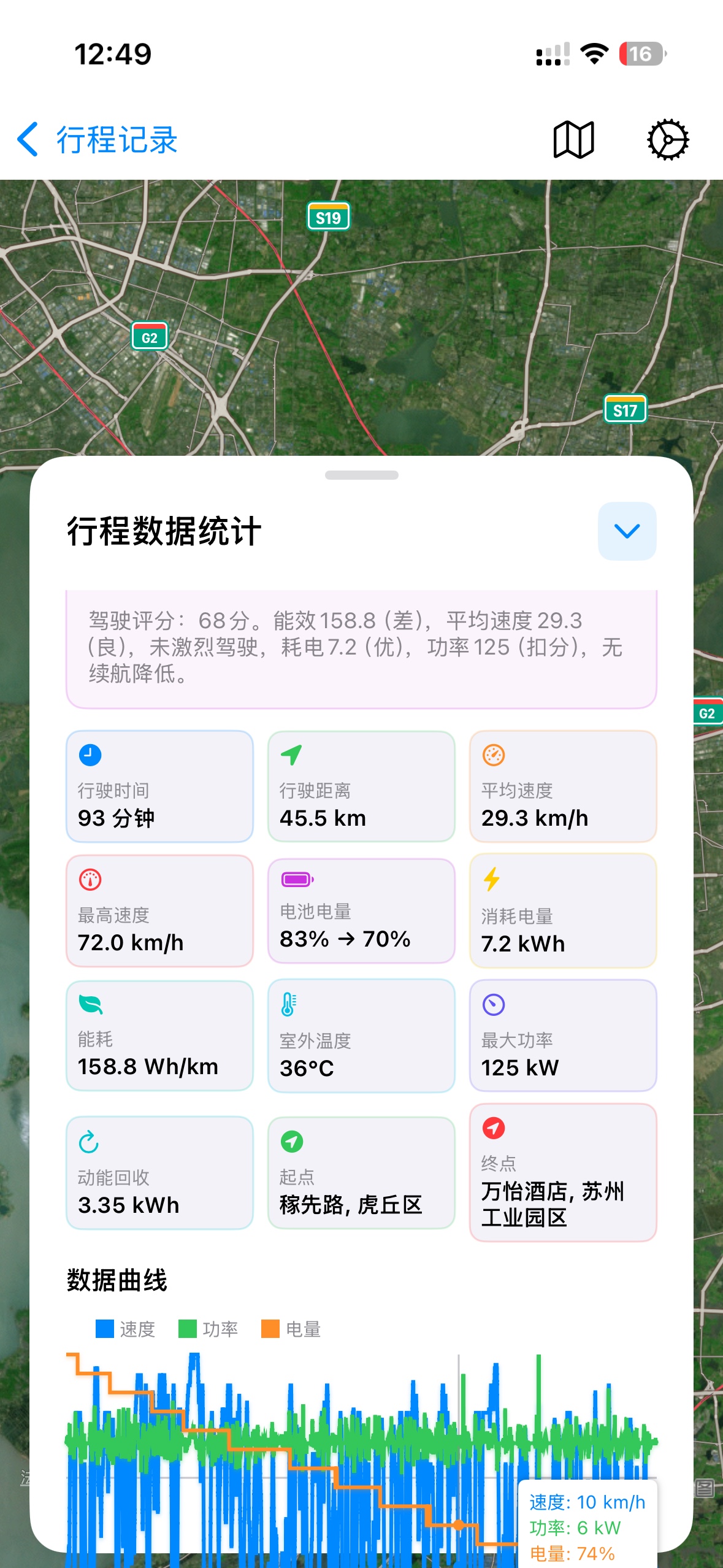
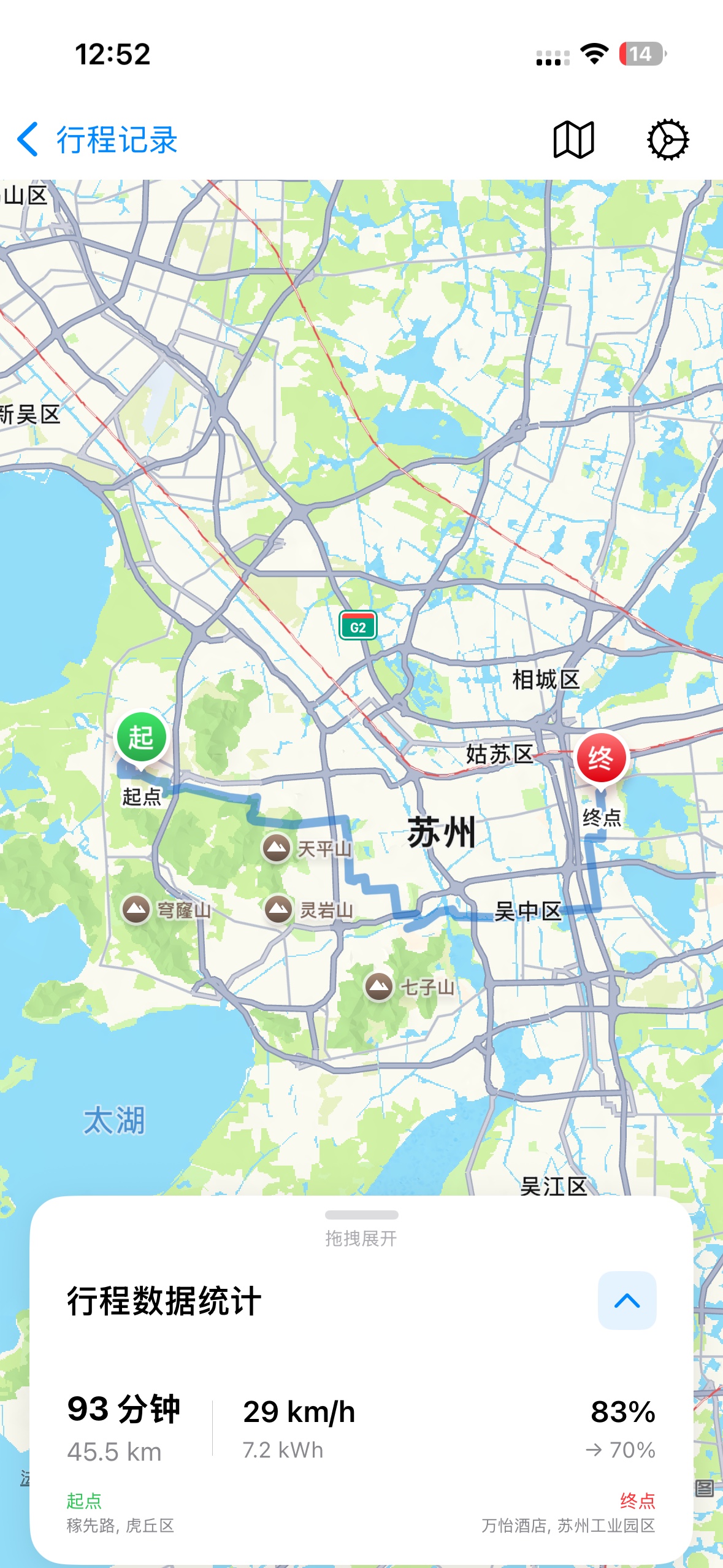
Your Data, On Your Wrist
Mytess now ships a native Apple Watch app and watch face complications — everything MyTeslaCloud records, one wrist-raise away
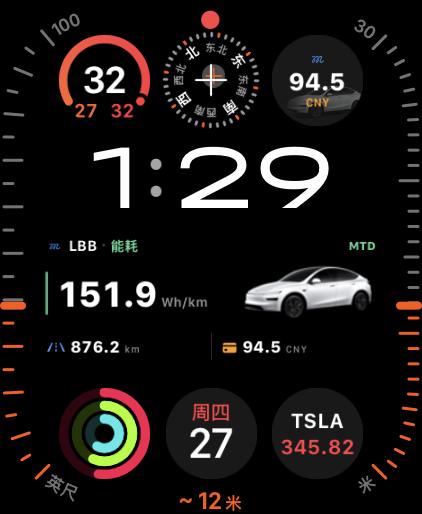
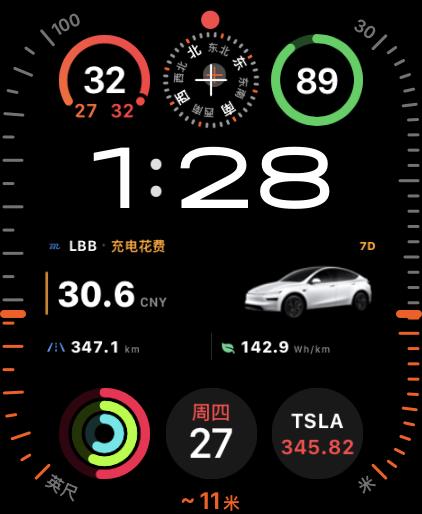
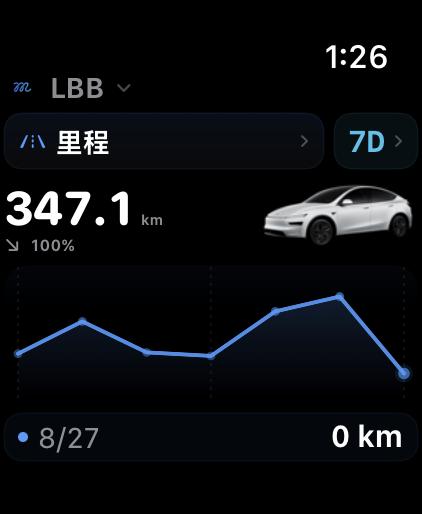
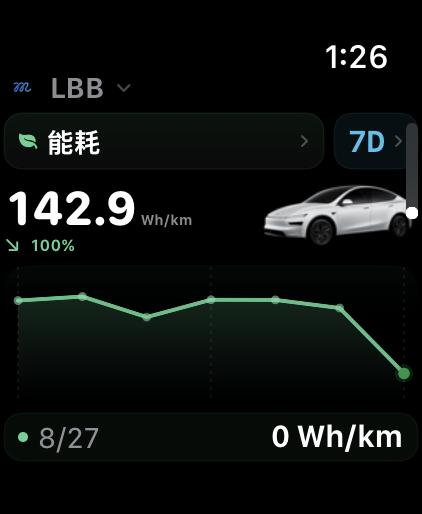
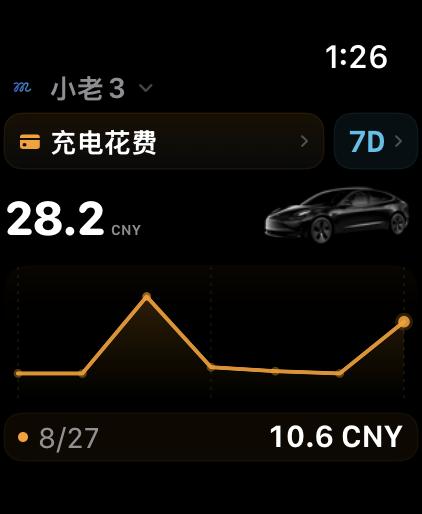
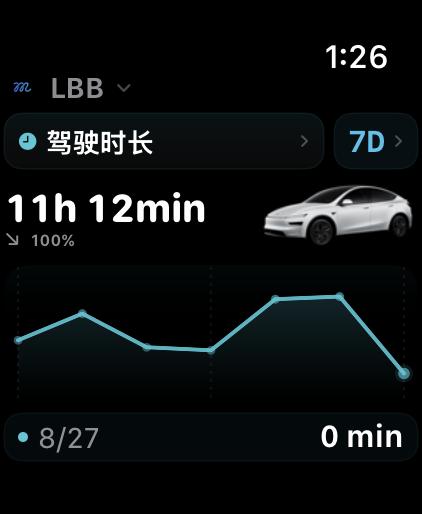
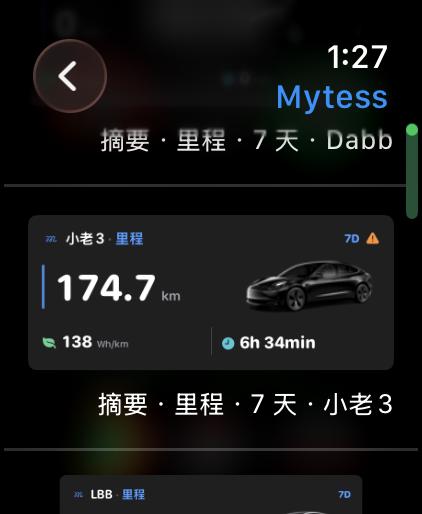
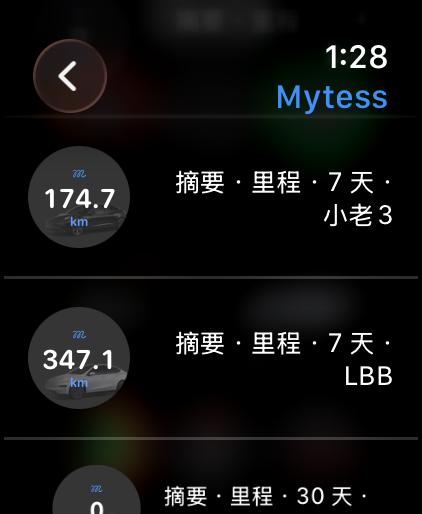
Rectangular and circular complications can share the same watch face
Every metric x range x vehicle combination sits in the gallery — pick one and drop it on your face.
Apple Watch support is built by Mytess. MyTeslaCloud is not affiliated with it.
MyTeslaCloud iOS Widgets
There are plenty of widgets to choose from: MyTeslaCloud's own widgets, Mytess widgets and TeslaButler widgets — mix and match, all powered by your MyTeslaCloud data.
Home Screen widgets, plus Dynamic Island Live Activities and Apple Watch complications.
4 dedicated widget sets with automatic alerts when something looks off.


Hundreds of Tesla Metrics
Comprehensively Recorded
From lifetime totals down to the very first second — every data point, forever


Battery Monitoring
Track degradation trends, plan charge strategy scientifically, and fully assess long-term battery health.
Your Data. Only Yours.
Every user gets a private database — no one else can access your data
Security & Privacy
Dashboard is RSA-encrypted and accessible only with your authorization. We use Tesla's official OAuth — your password is never stored.
Infrastructure
Hosted in enterprise-grade dedicated data centers, online 24/7, with full disaster recovery that auto-restores on any outage.
Lifetime Upgrades
One-click upgrades keep your MyTeslaCloud on the latest version at all times — zero technical action required.
Simple, Transparent Pricing
No hidden fees · Instance available immediately · Up and running in 1 minute
Maximum flexibility. Cancel anytime. Renew by purchasing again — time is added automatically.
- MyTeslaCloud cloud instance deployment
- SSL certificate for secure web access
- Private database instance
- One-click upgrade to latest version
- Access to tech support group
Flexible annual plan. Cancel anytime. Renew by purchasing again — time is added automatically.
- MyTeslaCloud cloud instance deployment
- SSL certificate for secure web access
- Private database instance
- One-click upgrade to latest version
- Access to tech support group
- iOS Widgets support (setup fee applies)
Frequently Asked Questions
Still have questions? Join our support group anytime
Absolutely. This service requires zero technical knowledge. All you need is an email address to place and receive orders. After payment, an activation email is sent with your login credentials, and you'll be up and running in under 1 minute.
Yes. Plus hundreds of other Tesla metrics — battery health, charging efficiency, driving routes, idle drain (Sentry / Camp / Park mode), and more.
Any device with a browser, including the Tesla in-car touchscreen. iOS apps (Mytess and TeslaButler) are also supported so you can check your vehicle status anywhere. Mytess also ships a native Apple Watch app and watch face complications, so distance, efficiency, charging cost, and drive time are a wrist-raise away.
No. Every user has a private, isolated database. Your data is inaccessible to others without your login. The dashboard is RSA-encrypted, and your API token is stored with high-strength encryption — accessible only with your explicit authorization.
A Tesla Token is an alternative to your Tesla account password. Our system never asks for your password — we use Tesla's official OAuth flow. You can revoke access at any time by changing your password, keeping full data sovereignty.
Your instance is available immediately after payment. Data starts populating once you link your Tesla account. Allow at least two charges and one drive for all charts to appear. Seeing "N/A" right after activation is normal — real data follows shortly.
Our iOS widgets are more feature-rich than Tesla's native widget or any third-party alternative, built on Scriptable. They support static, dynamic, and interactive forms and can display your car's name, charge power, real-time speed, map location, and more.
Yes. Export your chart data and upload it to an AI (DeepSeek, Grok, ChatGPT, etc.) using our dedicated prompts for personalized driving insights. You use your own AI account — your data stays completely private and belongs entirely to you.
Recording starts from when you activate the service, not from purchase. Unless you activated on day one, pre-activation history won't be in MyTeslaCloud. We recommend activating as early as possible.
Yes. Contact admin and we'll assist with a full historical data export. We're also continuously developing a one-click export feature to ensure your data sovereignty is always in your hands.
Of course! One-click upgrades let you stay on the latest version of MyTeslaCloud at any time — no technical action required.
All customer data is hosted in enterprise-grade dedicated data centers, stable and secure 24/7, with disaster recovery systems that restore service automatically on any interruption.
Still have questions?
Contact AdminYour Tesla Is Waiting
to Be Understood
From the moment you activate, MyTeslaCloud is like a loyal friend who never forgets a single thing that happens to your Tesla.
Instance ready immediately after payment · Up and running in 1 min · No tech skills needed