7 things the official Tesla app will never show you
The official app is an excellent remote control, but it is not a recorder. It answers "how is the car right now" and cannot answer "what happened over the last six months" — and the second one is where the value is.
- The official app is a remote control, not a recorder — it answers "how is the car now" and keeps no history.
- The seven gaps: degradation curve, idle drain split by Sentry/Camp/Park, per-trip efficiency, full charging cost, speed distribution, route playback, annual recap.
- None of it can be backfilled — Tesla does not hand pre-signup history to third parties, so logging only ever runs forward.
- This is by design: the app is a control surface, and Tesla exposes the data through an API for anyone who wants to store it.
- 1. The battery degradation curve
- 2. How much charge parking actually costs you
- 3. Real efficiency for a single trip
- 4. What charging costs you
- 5. How fast you actually drive
- 6. Route playback
- In fairness: what the official app does better
- Why the app is built this way
- 7. The annual recap
- Frequently asked questions
The official Tesla app is good at what it does: check charge, precondition the cabin, find the car, toggle Sentry. But it has a deliberate shape — it is a remote control, not a recorder. It tells you about now. It does not tell you about then.
Here are seven things you cannot get from it, and they happen to be exactly the things owners start caring about after a year or two.
1. The battery degradation curve
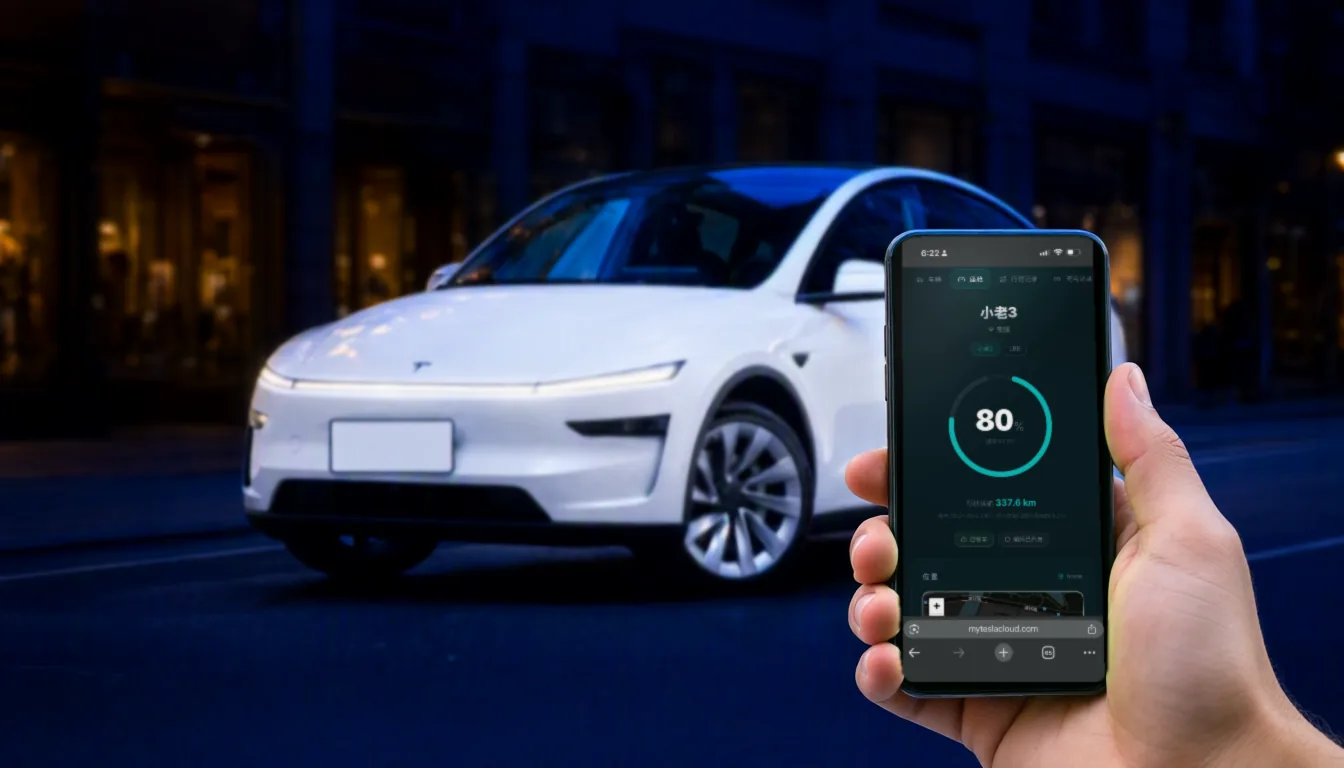
The app shows estimated range today. It will not show you how that number moved across the past year — and a single day’s range is nearly meaningless on its own. It swings with temperature, state of charge and your recent driving. Ten kilometres less than last week usually just means it got colder.
What actually tells you something is a curve stretched over a year or two: the estimated full-charge capacity at each near-full charge, plotted over time. Only continuous logging produces that, and there is no way to reconstruct it after the fact.
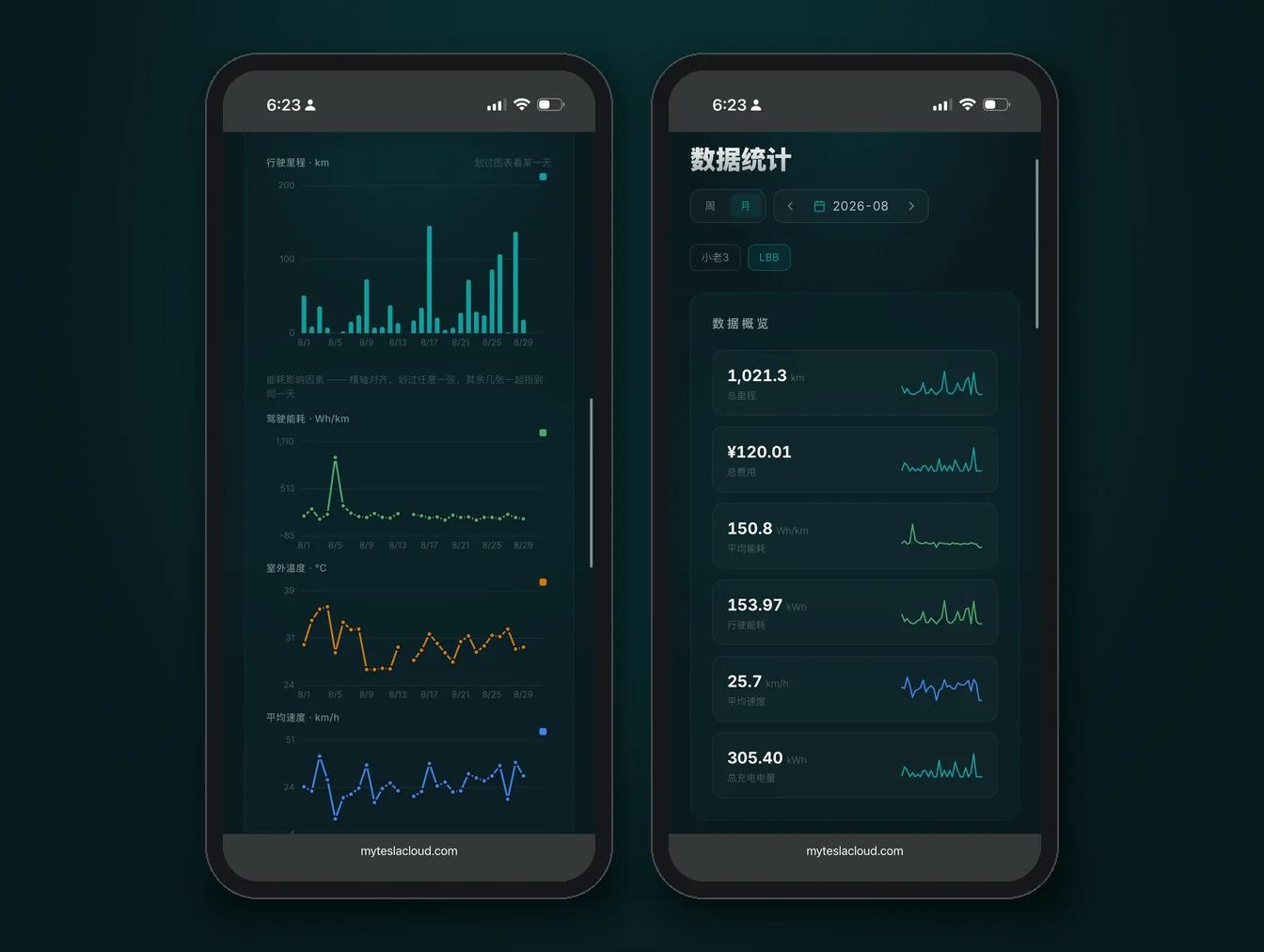
2. How much charge parking actually costs you
"Lost 8% over three days" is a feeling, not a number. Logged properly, idle drain splits into Sentry Mode, Camp Mode and Park, so you can see roughly what Sentry costs per hour — and then decide whether it is worth running in your own garage.
3. Real efficiency for a single trip
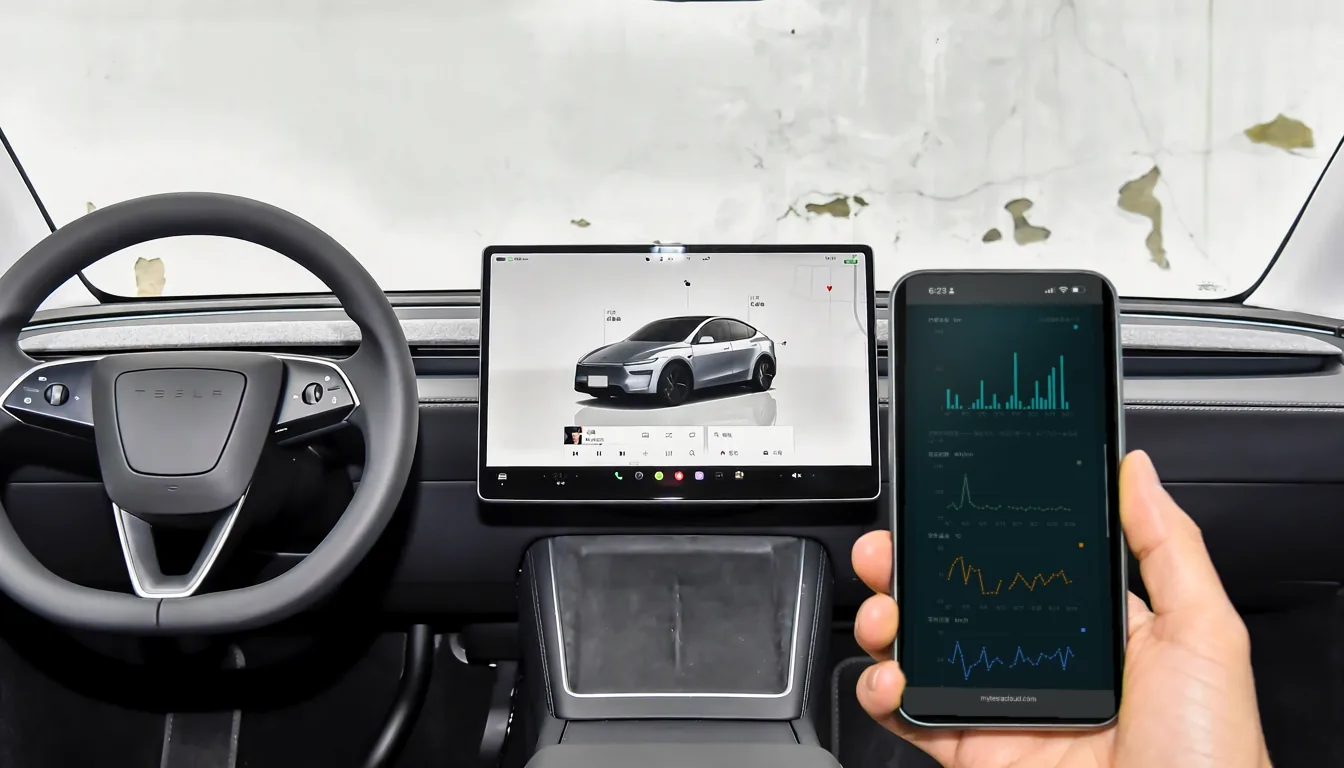
The in-car efficiency display is a rolling average; you cannot go back to one specific drive. Once trips are recorded, each one is its own entry: start and end address, distance, duration, energy used, average consumption. So "what did that highway run actually cost in Wh/km" becomes answerable.
4. What charging costs you
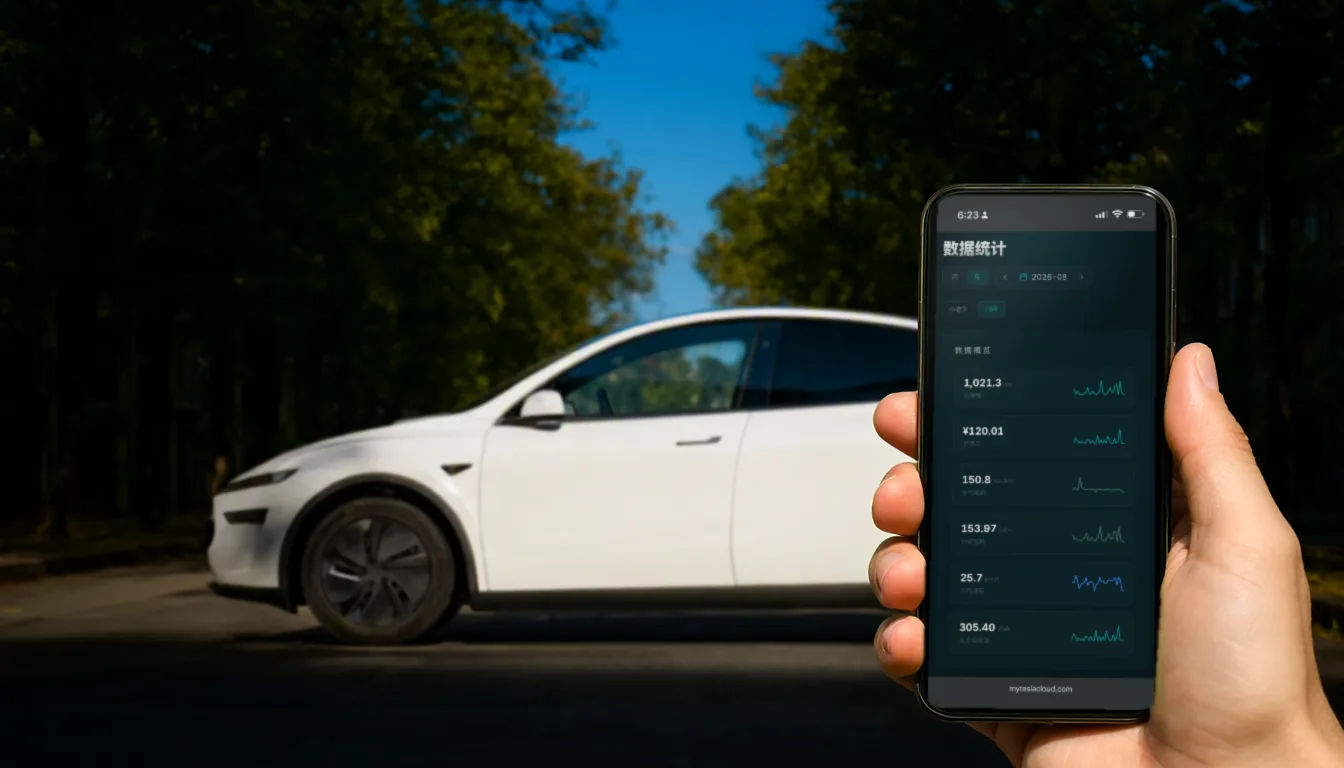
Supercharger invoices are in the app. Home charging, destination charging and the outlet at a friend’s place are not. A full charging log captures every session — energy added, the power curve, duration, and cost based on the rates you configure. A year of that is a real operating-cost picture.
5. How fast you actually drive
Speed distribution and acceleration counts do not exist in the official app. They are not just trivia either — when you want to know why your consumption runs higher than other people’s, the answer is often hiding right here.
6. Route playback
The app has your current location and nothing else. A full track log means a drive from three months ago can be drawn on a map in one piece. After an accident or a dispute, that is an objective, timestamped record; at resale, it substantiates how the car was actually used.
In fairness: what the official app does better
The other side of the ledger, because it matters. Several things a third-party logger cannot do, or cannot do well:
- Reliable live control — climate, locks, frunk and trunk go through the official channel with nothing in between;
- Phone key and Bluetooth unlocking — part of the vehicle security system, and off-limits to third parties;
- Software updates and service booking — release notes, scheduling and service-centre communication live only there;
- Charging network and billing — live Supercharger availability, queues and official invoices;
- Zero setup — no tokens, no configuration, no subscription.
So this article is not telling you to stop using the official app — you will keep using it daily. It is saying that the app does not do memory, and you need somewhere for that to live.
Why the app is built this way
This is not an oversight. The official app is the control surface for the car: it has to be fast, reliable, and work for every model in every market. Retaining years of high-resolution location and charging detail per owner is a different order of storage and compliance problem, and not something a control app should be carrying.
So Tesla exposes the data through an API and lets whoever wants to keep it do the keeping — which is precisely where open-source loggers like TeslaMate came from. The app and the logger are not competitors; they are a division of labour. One lets you control the car, the other makes sure its history does not evaporate.
7. The annual recap
How far you drove, how many times you charged, what it cost, how many percent the battery moved — these only assemble once enough data exists. The first year it feels unremarkable. By the third, that curve is genuinely interesting.
One thing to be clear about up front: none of this can be backfilled. Tesla does not hand your pre-signup history to third parties, so logging can only start when you start. Signing up today versus in six months is exactly six months of curve you will never get back.