Four ways to log your Tesla: TezLab, Tessie, TeslaMate and MyTeslaCloud
The official app tells you how the car is right now. It never tells you how the year went. If you want your drives, charges and battery health on record, these are the four realistic routes — and they differ more than you would expect.
- These solve different problems: TezLab is lightweight logging plus community, Tessie is a polished remote control, TeslaMate is an open database, MyTeslaCloud is TeslaMate without the sysadmin work.
- Want one vendor doing remote control and automation (Siri, location-triggered Sentry): Tessie. Want cheap and good enough: TezLab.
- Want analytics you can drill into, on data that stays yours: TeslaMate (host it) or MyTeslaCloud (hosted for you).
- TeslaMate is free, but it needs a NAS or VPS, Docker, a reverse proxy and working backups — and it ships with no authentication, so exposing it carelessly publishes your address and daily routine.
- Five-year cost, per car: roughly $250 for TezLab, $650 for Tessie Pro, $200 for MyTeslaCloud, and for self-hosting whatever your server costs plus your time.
- Logging only starts the day you sign up — nobody can backfill the years before that. Which means starting soon matters more than picking perfectly.
- The whole picture
- What it costs over one, three and five years
- TezLab: the fastest start
- Tessie: the best-built app of the four
- TeslaMate: free, but "free" only covers the code
- MyTeslaCloud: TeslaMate, without building it
- The question people skip: who owns the data
- So which one
- Frequently asked questions
The official Tesla app is a good remote control and a poor logbook. It will tell you the state of charge and where the car is parked, but not how far this car went this year, what each mile actually cost in energy, how the split between Supercharging and home charging landed, or how many percent of battery capacity quietly disappeared over twelve months. Tesla has all of it. It just is not in the app.
Hence the third-party tools. The realistic shortlist is short: TezLab, Tessie, TeslaMate, and managed TeslaMate — which is what MyTeslaCloud is. We build the last one, so we have made a point of giving the other three their due.
One thing matters more than which you pick: every one of these can only log from the day you connect it. Tesla does not hand anyone your back catalogue. A battery-degradation curve is valuable precisely because it is long, and the missing stretch never comes back — so picking one at random today beats comparing for another six months.
The whole picture
| TezLab | Tessie | TeslaMate (self-hosted) | MyTeslaCloud | |
|---|---|---|---|---|
| Product type | Subscription app | Subscription app | Open-source software | Managed open source |
| Setup work | None | None | Docker, reverse proxy, backups | None |
| Where data lives | Their servers | Their servers | Your own disk | Your private DB instance |
| Take it all with you | Limited | Limited | Already yours | Full export on request |
| Analytics depth | Moderate, fixed views | Good, fixed cards | Grafana, drill anywhere | Grafana + modern panel |
| Native mobile app | iOS / Android | Own iOS / Android / Watch | None | Mytess / TeslaButler (incl. Apple Watch) |
| Voice & automation | None | Siri, Sentry alerts, location triggers | None | Alerts via partner apps; no location triggers |
| In-car browser | Not applicable | Not applicable | On your LAN only | Opens on the Tesla screen |
| Billing | ~$5.99/month | ~$12.99/month | Software free; you pay for infrastructure | $4.99/mo or $39.99/year |
| Who helps when it breaks | Email support | Email support, good reputation | GitHub issues | Support group |
Compiled from each vendor’s published material as of September 2026. Features change — check the source: tezlab.com, tessie.com, teslamate.org. MyTeslaCloud is built on the open-source TeslaMate project and is not affiliated with Tesla, Inc.
What it costs over one, three and five years
The gap between subscriptions and one-off payments does not show up in year one. It shows up from year three. At published rates, per vehicle:
| Monthly | Yearly | One-time | Five years, roughly | |
|---|---|---|---|---|
| TezLab Pro | ~$5.99 | ~$49.99 | A lifetime tier has existed — check the site | ~$250 |
| Tessie Pro | ~$12.99 | ~$129.99 (annual saves ~17%) | A ~$299 lifetime tier has existed | ~$650 |
| TeslaMate, self-hosted | Software free | Software free | Software free | VPS ~$200–500, or your NAS electricity |
| MyTeslaCloud | $4.99 | $39.99 | — | ~$200 |
Rates, tiers and lifetime options all get restructured, and in-app purchase is usually dearer than buying direct — check each vendor before you commit. MyTeslaCloud pricing verified September 2026; see the pricing page for current rates.
This table is not an argument that the cheapest wins. Tessie’s app is worth its price if you use it that way. The point is narrower: logging is something you do by the year, so the billing model is itself part of the decision — and it is the part that gets skipped in month one.
TezLab: the fastest start
TezLab knows what it is. Install, sign in, start logging; the interface is uncomplicated and there is essentially nothing to learn. The home screen is vehicle status plus recent drives and charges, below which sits a grouped activity log giving distance, energy and efficiency per trip. Supercharger costs get filled in automatically, so you are not keeping a ledger by hand.
It also has something the others do not: a community streak. It benchmarks your efficiency against other owners of the same model in the same region, with leaderboards and badges along the way. Some people find that genuinely motivating; others find it noise. It depends on whether you want a tool or a club.
The rough edges are real too — screens can be slow to load, some input validation is sloppy, and the charger map and social features feel unfinished. Think of it as the cheap-and-cheerful option rather than the one you do serious analysis in.
Tessie: the best-built app of the four
Judged purely on app experience, Tessie has no real competition. Tile-based layout, animated backgrounds that follow the weather, and roughly ten tiles covering drives, battery, climate, charging, tyres, scheduling, idle, activity, automation and alerts. It runs on iPhone, iPad, Apple Watch and the web, with Siri Shortcuts and home-screen widgets. For the glance-and-go cases — checking charge from your wrist, asking Siri to start the climate — a native app simply beats a web page.
Its two most interesting features are alerts and automation: if Sentry Mode detects someone near the car or a knock, you get a push notification; you can also have Sentry arm itself automatically when you arrive at a given location. The official app will not do this, and TeslaMate does not try — it logs, it does not control.
The cost is the price, and something more structural: your history only ever exists in someone else’s product. Tessie keeps data on its own servers, export is limited, and there is no format that loads into TeslaMate. The longer you stay, the heavier that gets.
TeslaMate: free, but "free" only covers the code
TeslaMate is the one genuinely open-source option: an Elixir backend, a PostgreSQL database and Grafana dashboards, all running on hardware you control. Its analytical depth is in a different class, because what you have is an actual database rather than a set of pre-built cards. Monthly distance, efficiency trends, speed distribution, charge-depth history, battery SOH over time, idle drain broken out by Sentry, Camp and Park — slice it however you like, and write your own SQL when the built-in views run out.
There is no mobile app, so in practice you read it on a desktop browser. Charging locations need sorting by hand, and you cannot edit an individual charge. More importantly, there are the costs that never appear on an invoice:
- Your time — a smooth first run of Docker Compose is an hour or two; a rough one eats a weekend. After that, every upstream release means pulling images and reading breaking changes.
- Backups — years of history sit in one PostgreSQL database, and one dead disk ends it. A backup you have never restored from is not a backup.
- Security — TeslaMate and Grafana ship with no authentication at all. Whoever reaches that port sees your complete movement history, your home address and your daily routine.
If you only ever read it on your home network, that last point is moot. But most people want access from outside and start forwarding ports — and once a home service is directly exposed, the thing at risk is not TeslaMate, it is your entire home network. Reach it over WireGuard or Tailscale instead of opening a port.
In fairness: if you already run a NAS, Docker is a daily tool and tinkering is the fun part, self-hosting is an excellent choice and the marginal cost is near zero. That is a perfectly good reason, and it is why plenty of people run TeslaMate in the first place.
MyTeslaCloud: TeslaMate, without building it
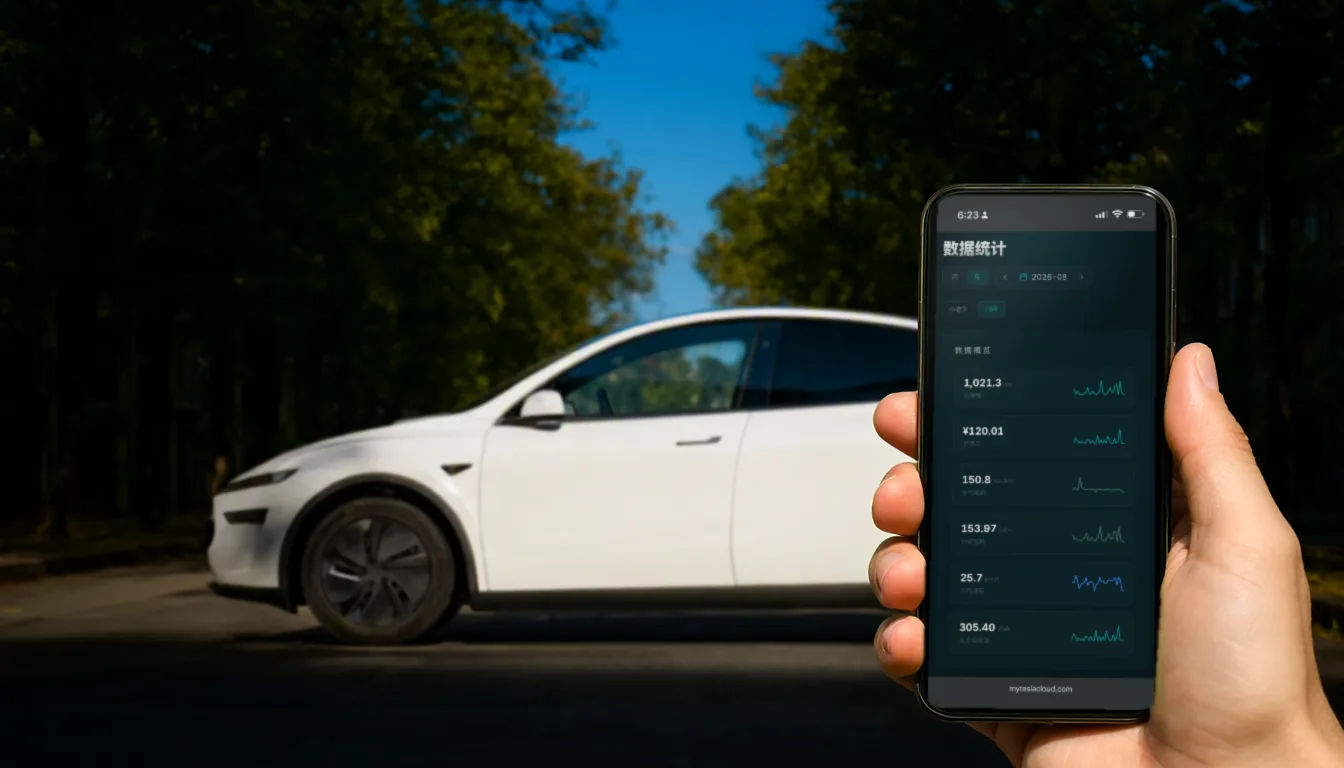
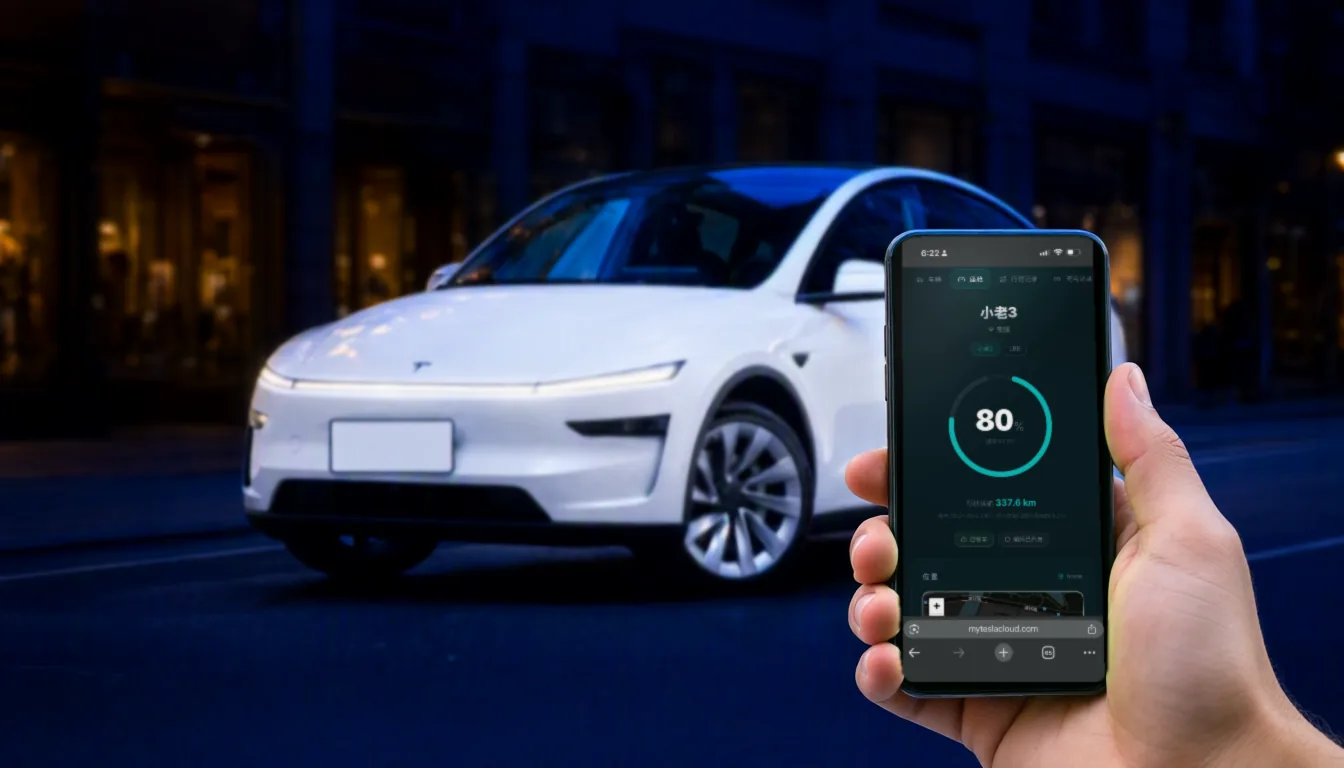
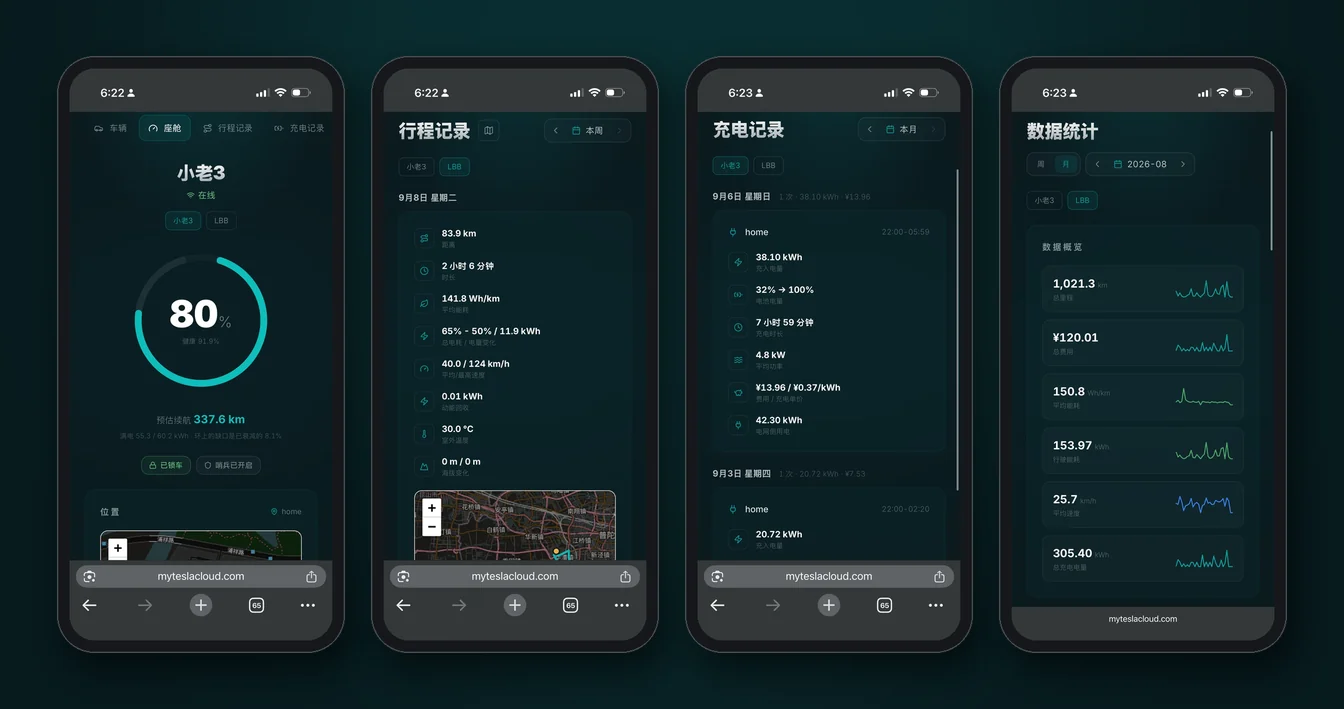
MyTeslaCloud is not a TeslaMate replacement — it is TeslaMate. Same dashboards, same data model as the one you would host yourself. What it takes over is the entire previous section: a private database instance, SSL, enterprise-grade hosting, routine backups, one-click upgrades. Your side is two steps — pay, paste your Tesla token — and takes about a minute.
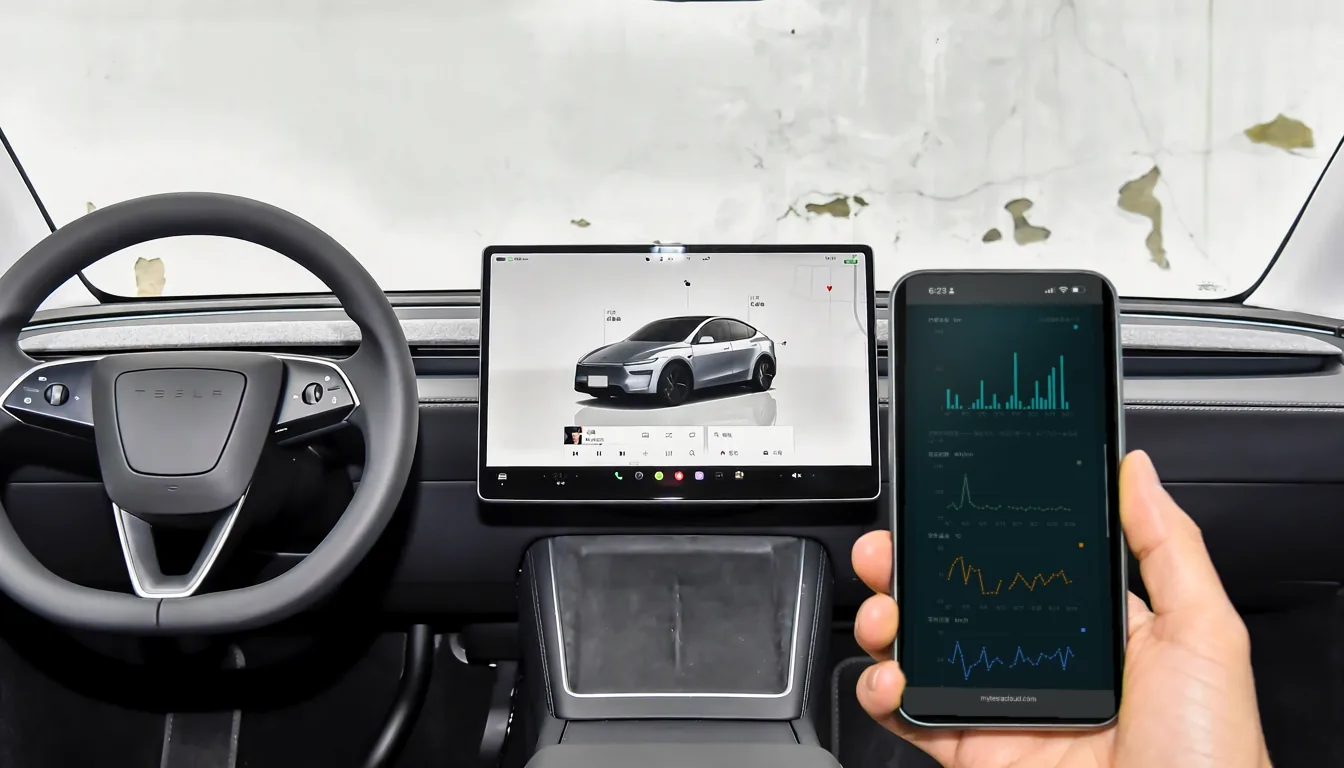
- Opens on the car screen — the dashboard is a web page, so the Tesla browser loads the full thing;
- Share a drive — send a link and the recipient watches your live position without signing in; it expires on arrival;
- A support group you can actually ask, instead of filing a GitHub issue and waiting;
- $4.99 a month or $39.99 a year, per car.
Mobile: no first-party app, but the good ones plug straight in
This gets misread as a weakness, so it is worth stating plainly. MyTeslaCloud does not build an app. It is an open data layer, and mature third-party iOS apps connect to it directly — with a genuinely complete experience:
- Mytess — deep Dynamic Island and Live Activities support (charge progress and navigation on the lock screen), plus a native Apple Watch app and watch-face complications, so distance, efficiency, charging cost and drive time are one wrist-raise away. Smart notifications, trip and charge logs, and vehicle statistics round it out;
- TeslaButler — more home-screen oriented: four dedicated widgets, automatic alerts when something is wrong with the car, trip and charge records, and map-based location tracking.
So the glance-from-your-wrist, check-the-lock-screen, widget-on-the-home-screen cases are all covered. That layer is just built by ecosystem partners, while the data underneath stays yours.
The real gap against Tessie is not app quality — it is control. Siri Shortcuts, or arming Sentry automatically when you park somewhere, have no equivalent here. MyTeslaCloud is a data layer; commanding the car is left to the official app and to partner apps. If remote control rather than record-keeping is your main goal, that difference matters more than price.
Already self-hosting with history to protect? You do not start over: MyTeslaCloud offers a database migration service — hand over your TeslaMate backup and the history continues. Going the other way, you can take the whole thing with you, because underneath it is standard PostgreSQL.
The question people skip: who owns the data
Everything above is features. By year three, though, what usually decides whether you regret the choice is a different question: can you take the history with you?
In a closed service your data only exists in that vendor’s shape. If prices rise, the product is redesigned, the company is acquired or it simply shuts down, what you can usually retrieve is a CSV — sometimes only screenshots. TeslaMate, self-hosted or managed, sits on standard PostgreSQL, and what you export loads straight into another TeslaMate.
You never feel this difference day to day. It surfaces at exactly two moments: when you want to switch, and when you sell the car — where a complete degradation curve and driving record is a genuinely persuasive resale document.
So which one
TezLab, if
- You want something cheap that works the moment it is installed, and deep analysis is not the point;
- You enjoy seeing how your efficiency ranks against other owners of the same model.
Tessie, if
- What you actually want is a better remote control that happens to log, rather than the other way round;
- You would rather one vendor supplied the app, the data and the support than assemble it from an ecosystem;
- Sentry alerts and automation are worth real money to you;
- You would rather have fewer, well-chosen views than unlimited ones you configure yourself.
Self-hosted TeslaMate, if
- You already run a NAS or home server and Docker is a daily tool;
- You want to write your own SQL, build custom dashboards, or feed the data into something else you run;
- Your rule is that the data never leaves your own disk, and that outranks every convenience.
MyTeslaCloud, if
- You want TeslaMate’s depth without touching Docker, certificates or backup scripts;
- You want the history in a private database you can export in full;
- You would rather pay about $40 a year than about $156;
- You like that the foundation is open source, and therefore portable.
One last time, the point from the top: all four will record your data, and none of them can record the part before you started. If you are still undecided, picking one beats comparing for another month.
Frequently asked questions
Third-party pricing and features verified September 2026 and subject to change — always check each vendor’s own site. MyTeslaCloud is not affiliated with TezLab, Tessie, the TeslaMate project, Mytess or TeslaButler.