Trip sharing: show someone where you are, for this trip only
"Where are you?" gets asked several times a day. A dropped pin is one frozen moment; an always-on location share leaves your whereabouts hanging out indefinitely. There is an option missing in between.
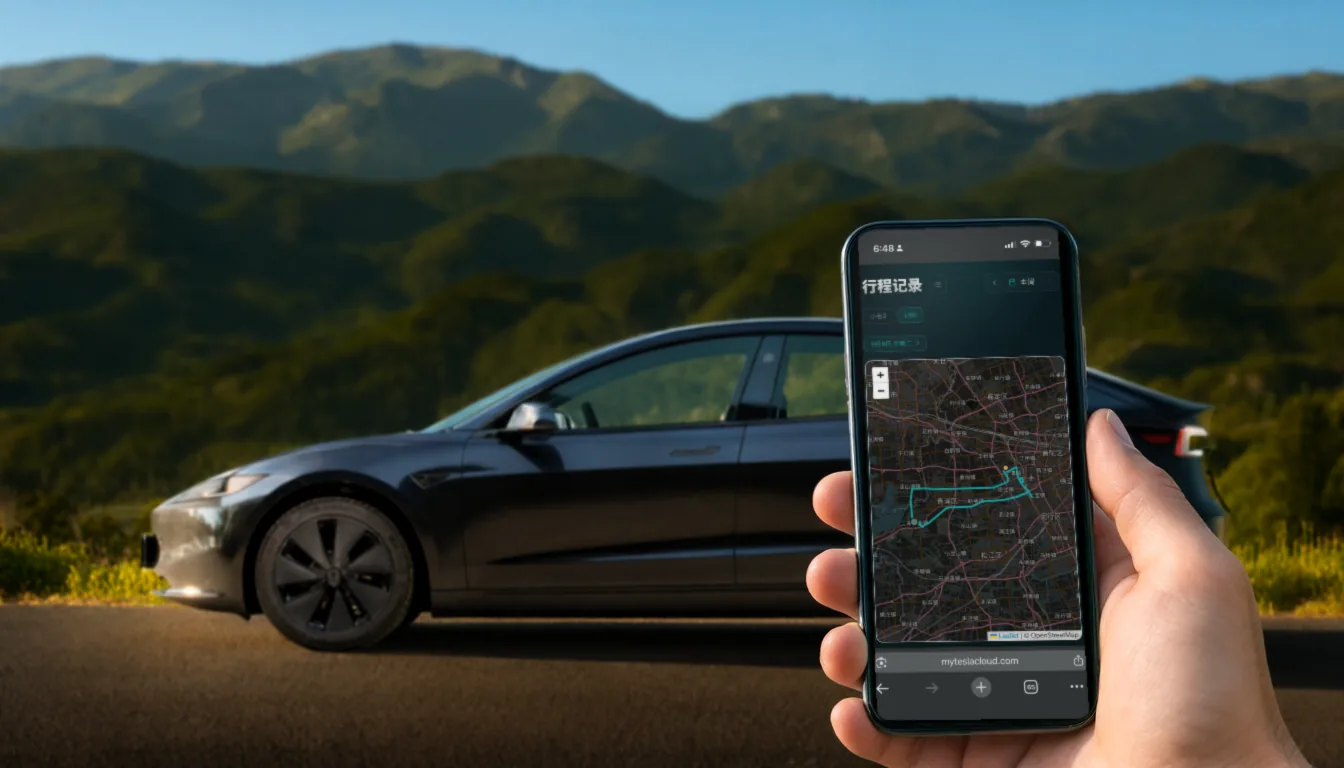
Picking someone up, reassuring family on a long drive, stuck in traffic on the way to dinner — "where are you now" gets asked constantly.
Neither usual answer is right. A shared pin is one moment and is stale a minute later. A permanent location share leaves your movements on someone’s phone indefinitely. What you actually want is the middle option: visible for this trip, over when you arrive.
How it works
- On the current trip, tap share;
- A share card is generated — send it to a contact or a group;
- They open it and see your live position, with no sign-in and nothing to install;
- When you reach your destination, the link expires by itself.
The last step is the point: expiry is automatic, not something you have to remember. The real risk in location sharing was never the sharing — it was forgetting to switch it off afterwards.
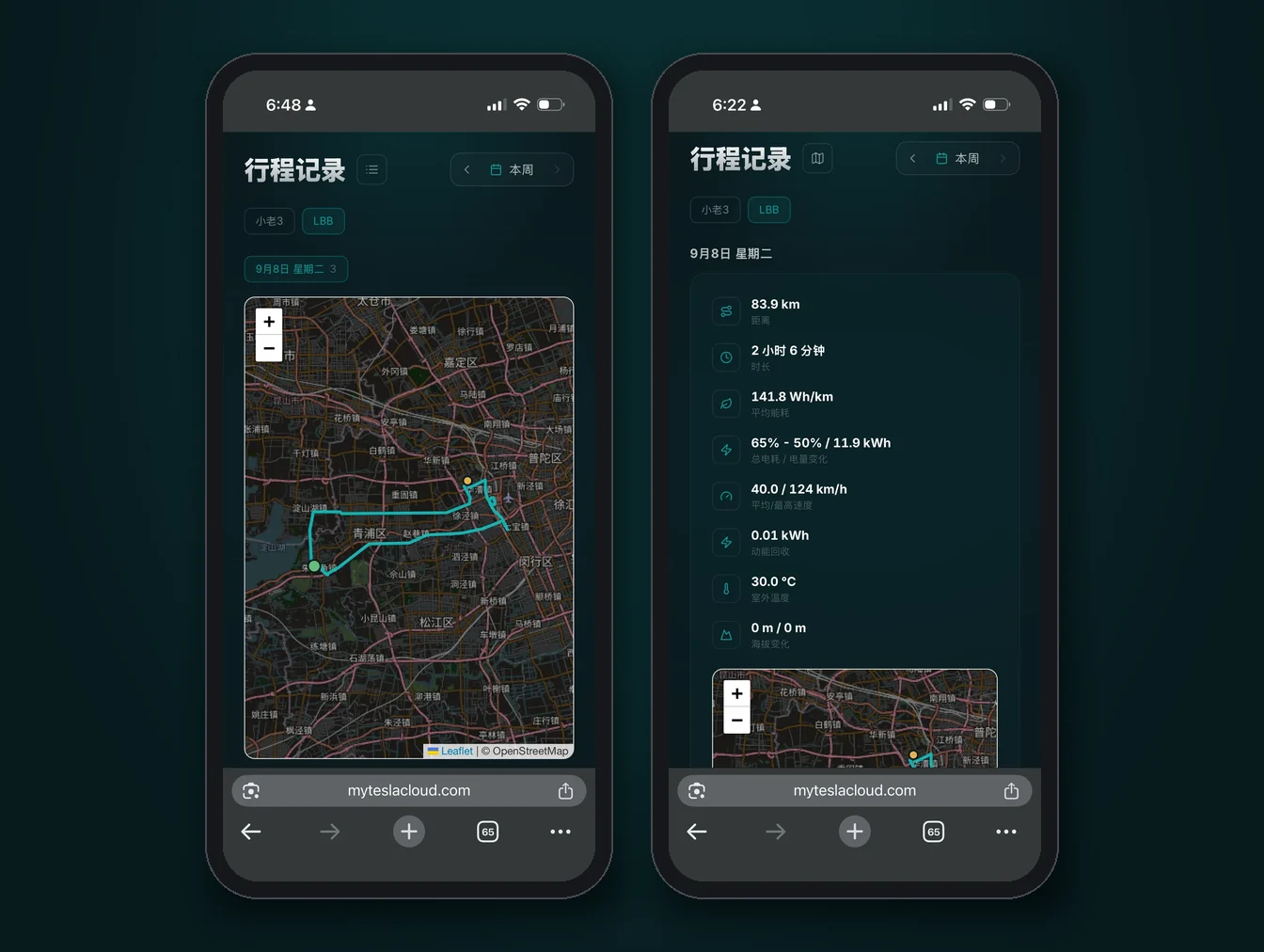
What they can and cannot see
| Visible | Not visible | |
|---|---|---|
| Location | Live position for this trip | Past routes, frequent places, home address |
| Trips | This one, in progress | Any other trip record |
| Vehicle | Only what relates to this trip | Battery, charging and account data |
| Control | Nothing | Any vehicle command |
In other words, what you hand out is a view of one journey, not a key to your account.
When it earns its keep
- Airport pickups — they can judge when to come down instead of trading phone calls;
- Long night drives — family can see you are still moving without hourly check-ins;
- Carpooling — whoever is waiting knows where the car is;
- Dropping something off — the recipient knows roughly when you will arrive.
There is also a guest access mode for households that share one car long-term. That is a different thing from one-off trip sharing — pick whichever matches the situation.