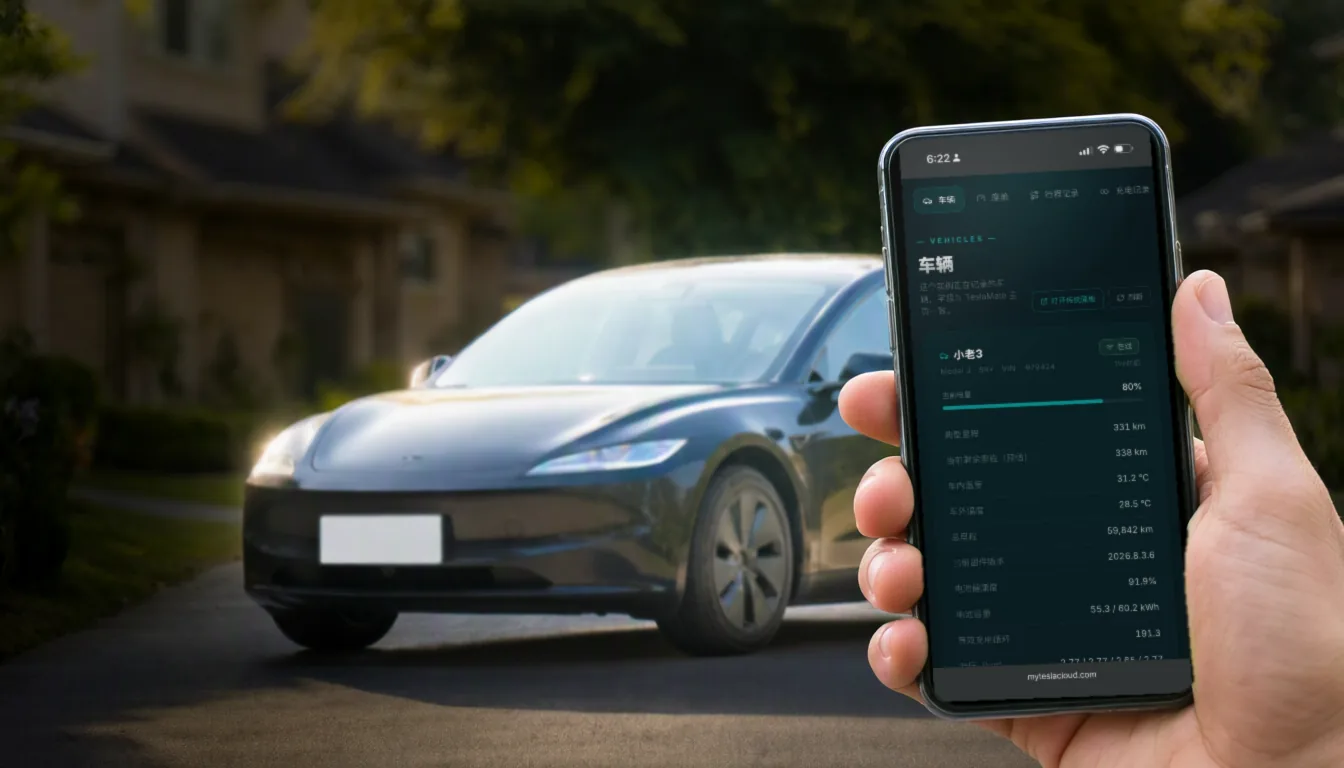
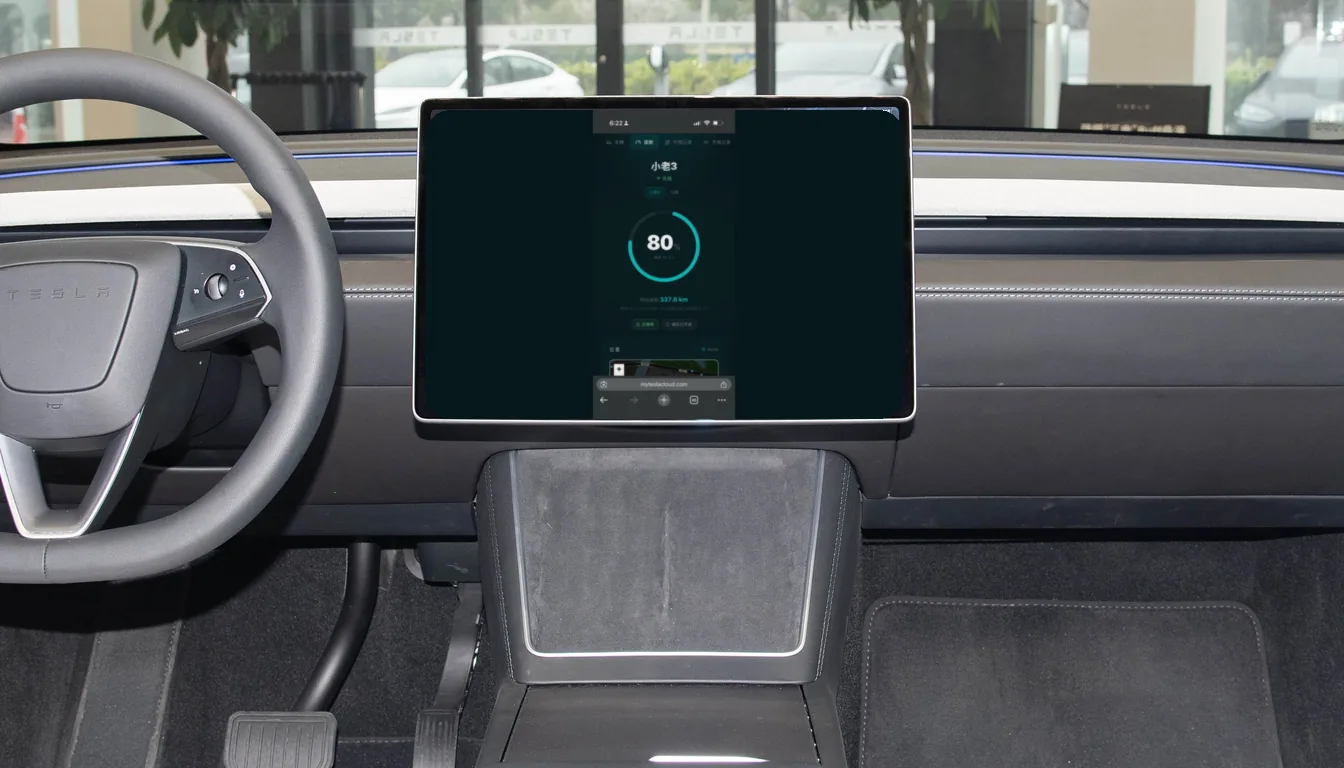
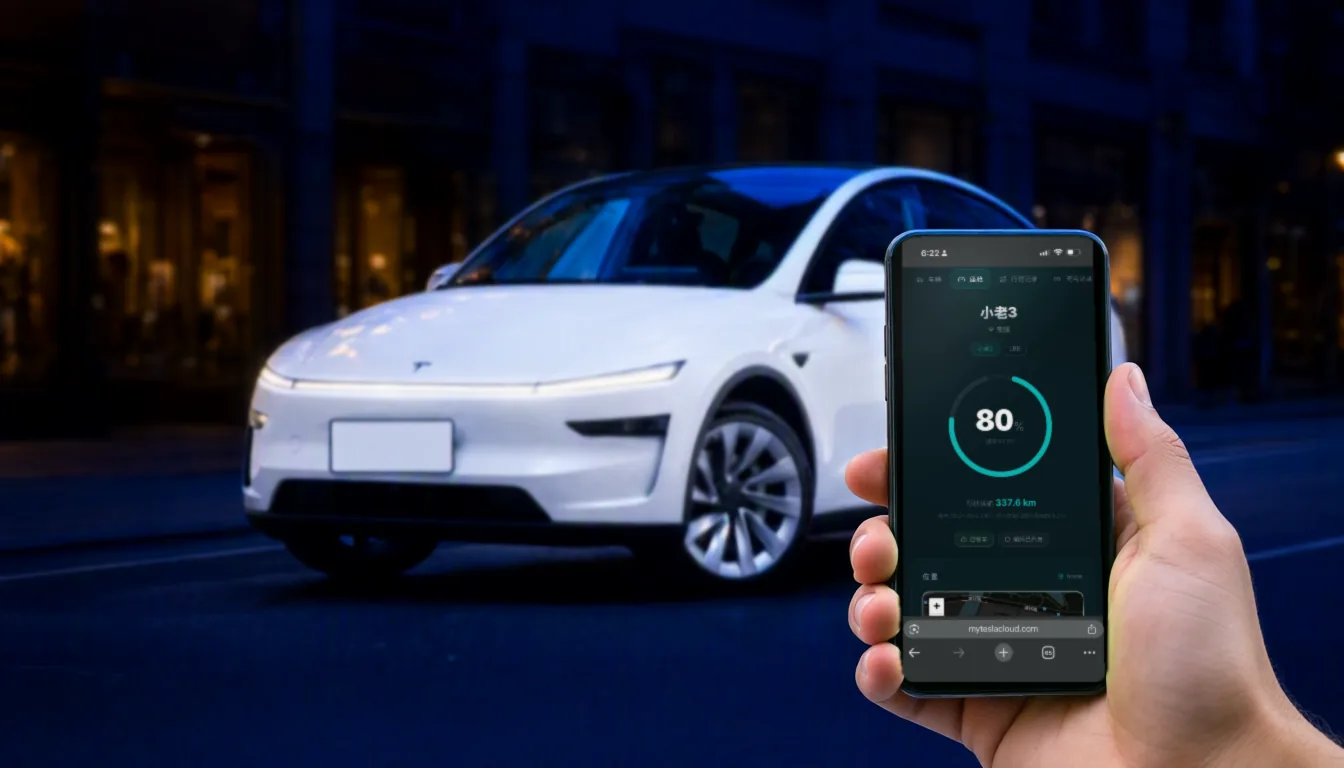
iOS widgets, Dynamic Island and Apple Watch: data on your wrist
Unlock your phone and see the charge level; raise your wrist and know this month’s mileage. Once the data is being logged, the next step is putting it where you already look.
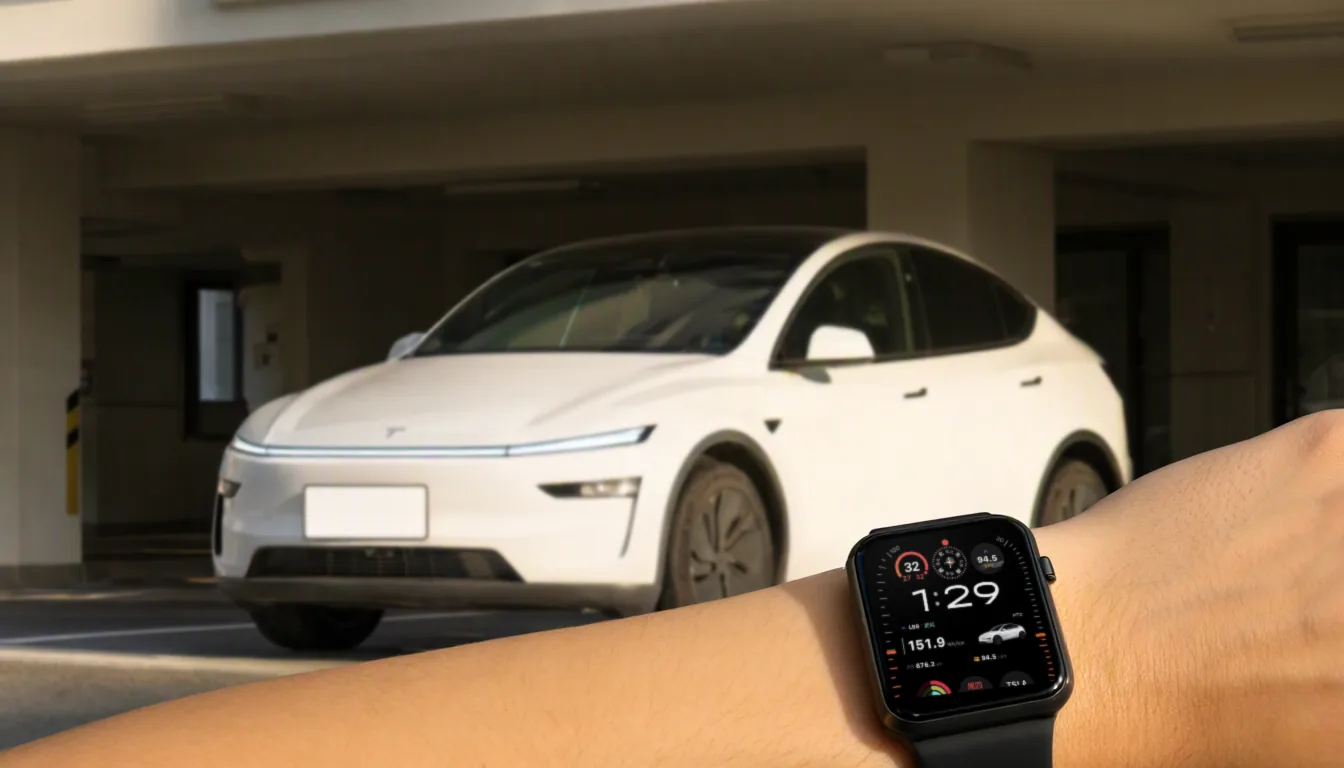
However complete your logging is, if checking it means opening a web page every time, you will check it less. This post is about making the data show up on its own: lock screen, home screen, Dynamic Island, watch face.
1. iOS widgets (Scriptable)
MyTeslaCloud’s widgets are built on Scriptable, which is why they can show considerably more than a stock app widget. They come in three forms:
| Form | What it shows |
|---|---|
| Static | Vehicle name, charging power, charge limit, time to full, lock state, windows and doors, climate temperature, Sentry state |
| Dynamic | Current gear, live speed, map position |
| Interactive | Tap the left area to open your dashboard, the right to open the map at the car’s location |
iOS widgets are enabled separately (a one-time setup fee applies). You get the script and configuration notes; pasting it into Scriptable is all that is required — no coding.
2. Dynamic Island and Live Activities (Mytess)
Using MyTeslaCloud as the data source for Mytess unlocks iOS Live Activities: charging progress scrolls in the Dynamic Island, navigation state can sit up there too, and you stop unlocking the phone to check. It also handles smart push notifications when the vehicle state changes unexpectedly.
3. Apple Watch
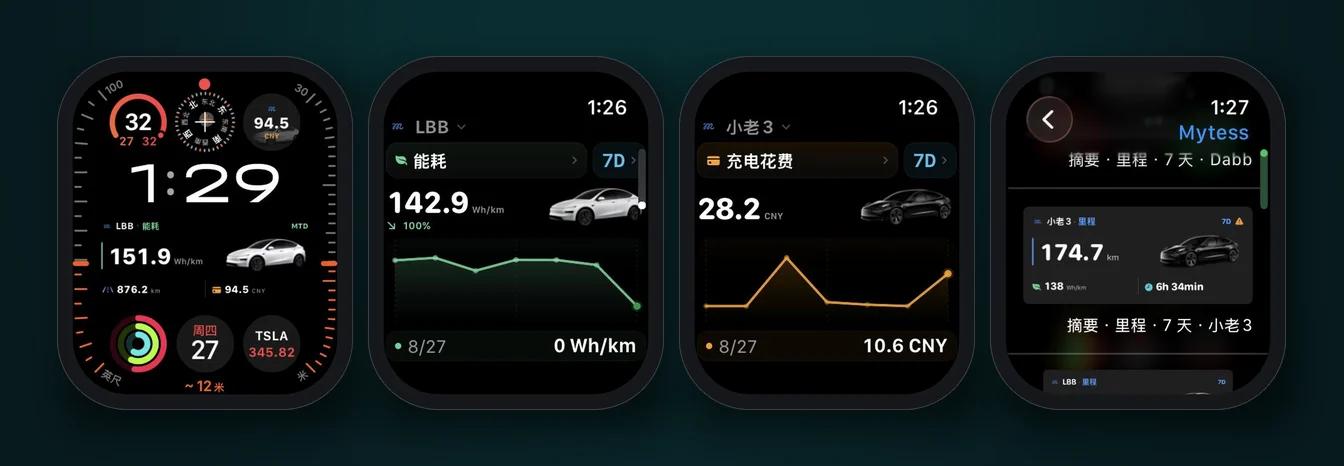
Mytess provides a native Apple Watch app and watch-face complications, so data MyTeslaCloud has logged can sit directly on your watch face.
- Four core metrics: distance, efficiency, charging cost, driving time;
- Three time ranges you can flip between: 7 days / 30 days / this month;
- Multiple vehicles, with the car illustration matching Model 3 or Model Y automatically;
- Each metric carries a trend line you can tap for a single day’s value and its change;
- Both rectangular and circular complications — they can share one watch face.
The complication gallery contains every combination of metric × time range × vehicle; pick one and drop it on the face.
4. If you are not on iOS
Everything above depends on the Apple ecosystem. On Android, or if you would rather not install anything, the web panel covers the same data in a mobile browser — and for Chinese-speaking owners there is also a native WeChat mini program.
Mytess is built by an independent developer and is not affiliated with MyTeslaCloud. Orders and support for MyTeslaCloud go through our own channels.