Reading your own driving data on the Tesla centre screen
That big screen mostly plays music and shows maps, which is a bit of a waste. Its browser will open your dashboard directly — handy while a Supercharger session runs.
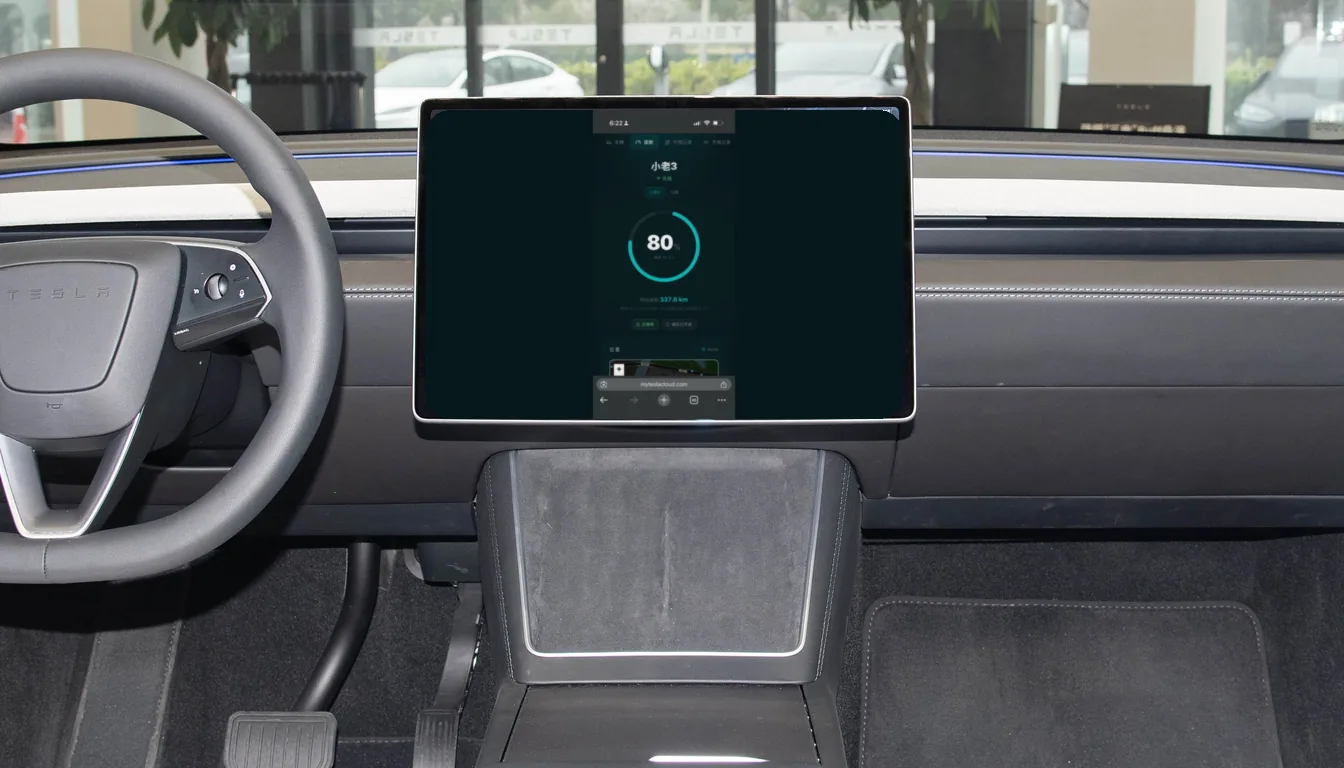
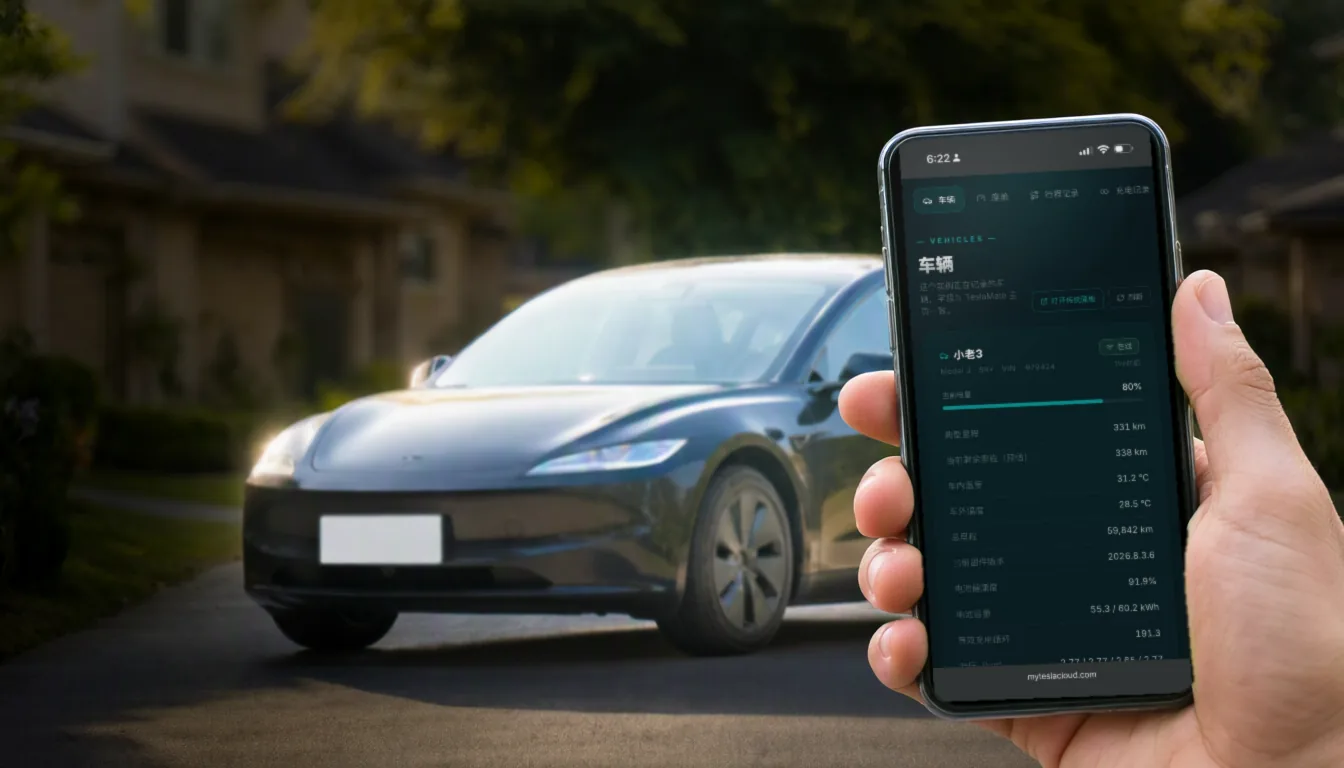
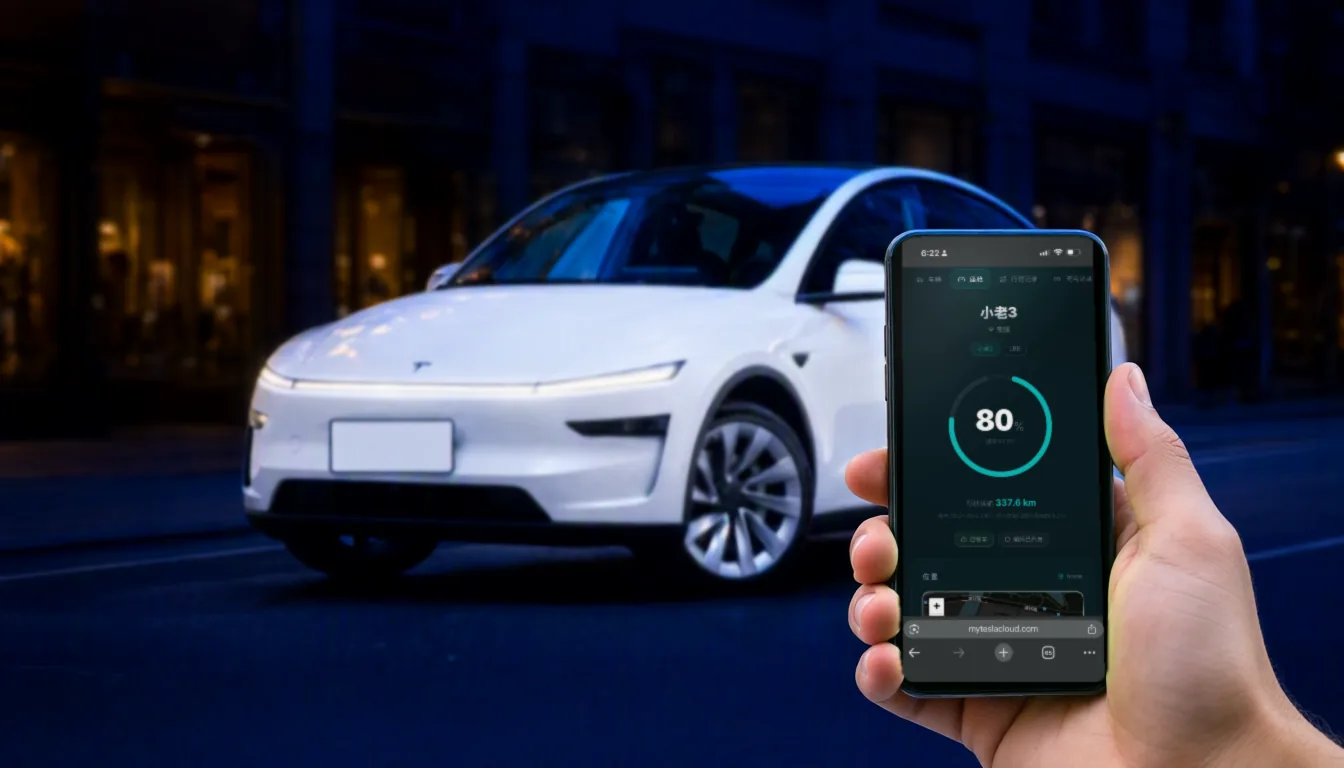
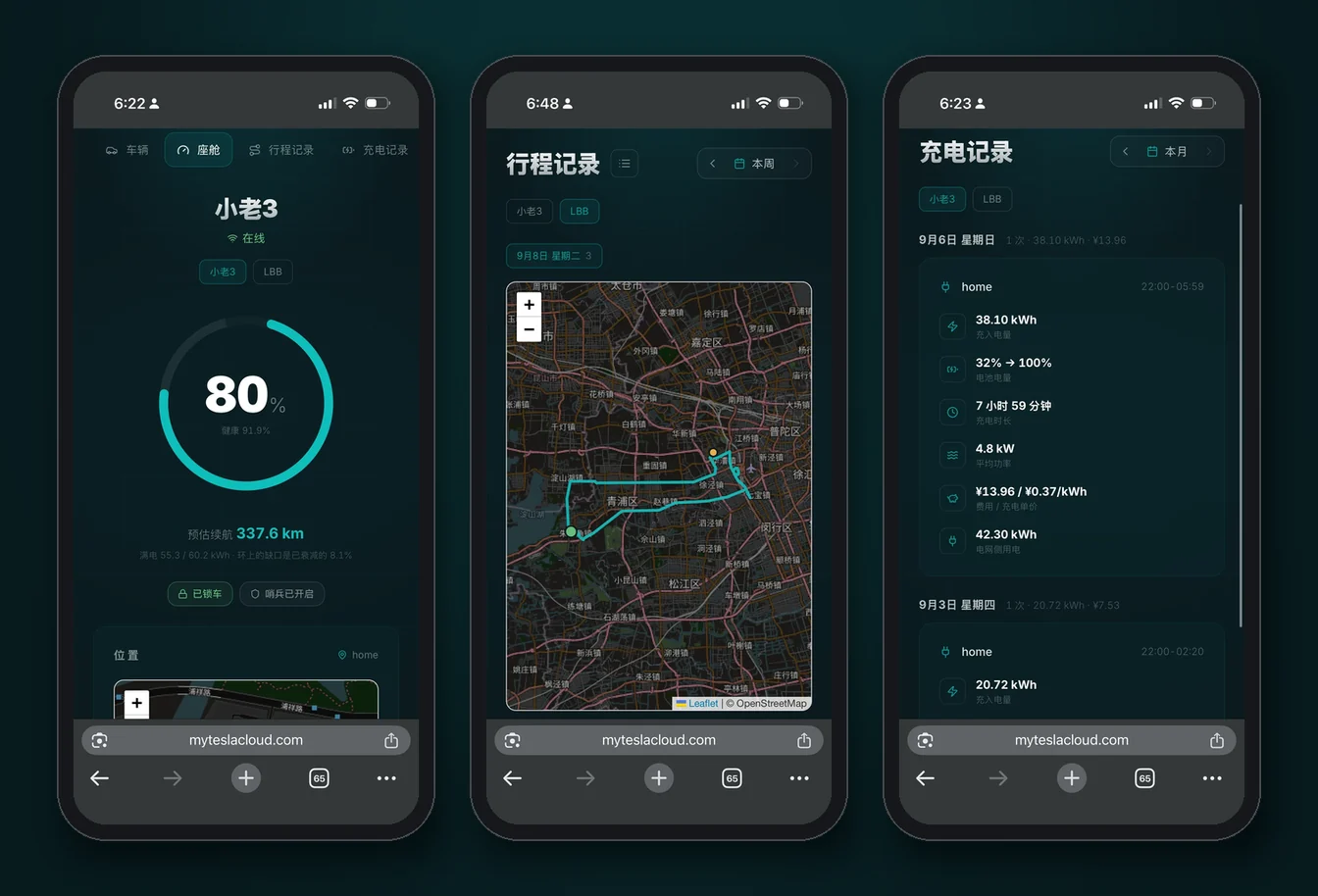
The MyTeslaCloud panel is a web page, not an app. That choice has a pleasant side effect: anything that can render a web page can show your data, including the Tesla centre screen.
During the fifteen minutes at a Supercharger, instead of scrolling your phone, you can look at this session’s power curve, this month’s distance, and where the battery trend is heading — right there on the screen in front of you.
How to open it
- Park and shift to P — the browser is unavailable while driving;
- Open the app launcher on the bottom bar and pick Browser;
- Enter your MyTeslaCloud panel address;
- Sign in once — the car keeps the session, so next time it opens straight away.
Typing a long URL on the car keyboard is miserable. Bookmark the panel and it is one tap forever after — worth the minute it costs.
The three things worth looking at in the car
The charging session
Open it mid-Supercharge and you get the live power curve, energy added so far and elapsed time. When it finishes, the session lands in your history with its cost attached.
The drive you just finished
Just pulled in? Distance, duration, energy used and average consumption for that specific run — more concrete than the car’s rolling efficiency display, and still there months later.
The battery trend
The curve owners care about most once they have had the car a while. It needs time before it means anything, but glancing at it is reassuring.
Practical caveats
| Situation | What is happening |
|---|---|
| Will not open while driving | Tesla safety restriction — park in P |
| Feels slow | The in-car browser is limited; use the lighter UI panel rather than heavy Grafana views |
| Asks you to sign in again | The car cleared its cache; sign in once more |
| Will not load underground | It uses the vehicle’s connection — weak signal in garages is expected |
The in-car browser is power hungry. Leaving a page open adds to idle drain, so close it when you are done rather than letting it sit there while parked.
Everywhere else
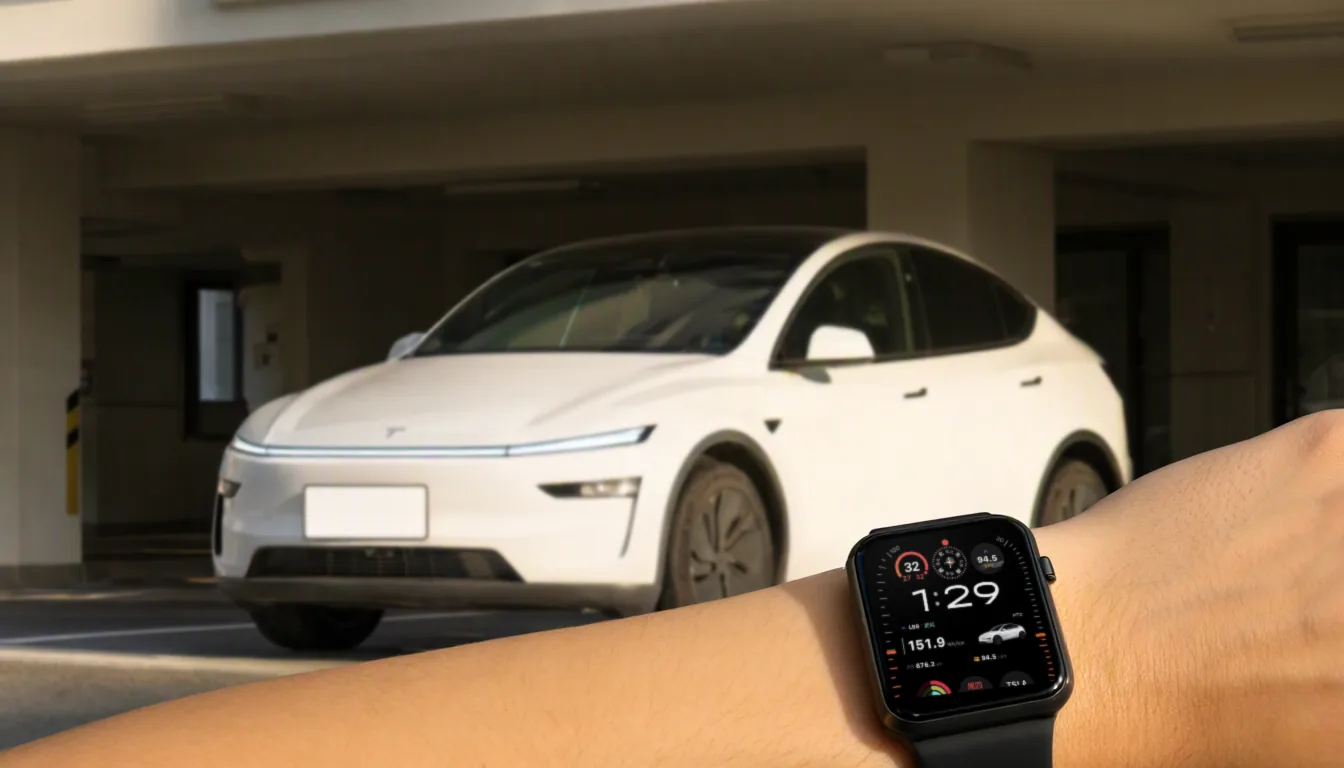
The same data shows up wherever you are: phone browser, desktop, and the Mytess companion iOS app with its Dynamic Island and Apple Watch support. One dataset, many doors into it.